Best gaming monitors
High refresh, VRR, HDMI bandwidth, and panel motion for PC and console desks—start here when GPU output and desk depth already fit a gaming-first display.
Monitors and desk gaming
Match desk depth, GPU output, refresh targets, and panel class—OLED, fast IPS, or budget LCD—then open the shortlist that fits. Guides stay editorial until product and retailer checks clear for shopping tools.
Gaming motion, 4K productivity, and budget 1440p lanes share one hub. Keyboard, mouse, and networking guides sit beside gaming displays when the whole desk—not only the panel—needs alignment.
Popular entry points
Better Buy Lab Monitors guides help shoppers work through Gaming, 4K, budget, desk footprints, productivity monitors, refresh rate, and panel trade-offs..
Match desk depth, GPU output, refresh targets, and panel class—OLED, fast IPS, or budget LCD—then open the shortlist that fits. Guides stay editorial until product and retailer checks clear for shopping tools.
Gaming motion, 4K productivity, and budget 1440p lanes share one hub. Keyboard, mouse, and networking guides sit beside gaming displays when the whole desk—not only the panel—needs alignment.
Explore guides
Each card opens an existing Better Buy Lab shortlist—editorial only, no Amazon buttons on monitor routes yet.
High refresh, VRR, HDMI bandwidth, and panel motion for PC and console desks—start here when GPU output and desk depth already fit a gaming-first display.
Text clarity, scaling comfort, USB-C docks, and mixed productivity layouts—use when sharp desktop space matters more than esports refresh alone.
Safer 1440p and value gaming lanes when HDR halos and premium ergonomics are not the priority—expect clearer compromises called out in the shortlist.
QD‑OLED burn-in habits, brightness in bright rooms, and when IPS or Mini LED backlights beat halo-prone OLED for mixed desks—read the flagship desk note, then return to the gaming shortlist.
Shallow desks punish 32-inch panels; weak GPUs cannot feed 4K high-refresh targets. Match cable generation, scaling, and refresh goals on the gaming or 4K guide before locking a SKU.
Recommended first step
Open the primary shortlist, scan buyer-fit and trade-off notes, then jump to a narrower guide if your room or use case is already specific.
Other monitor guides
Featured shortlists
Open after scenario cards narrow panel class, desk depth, and GPU output—local hero shots only when rights are cleared.
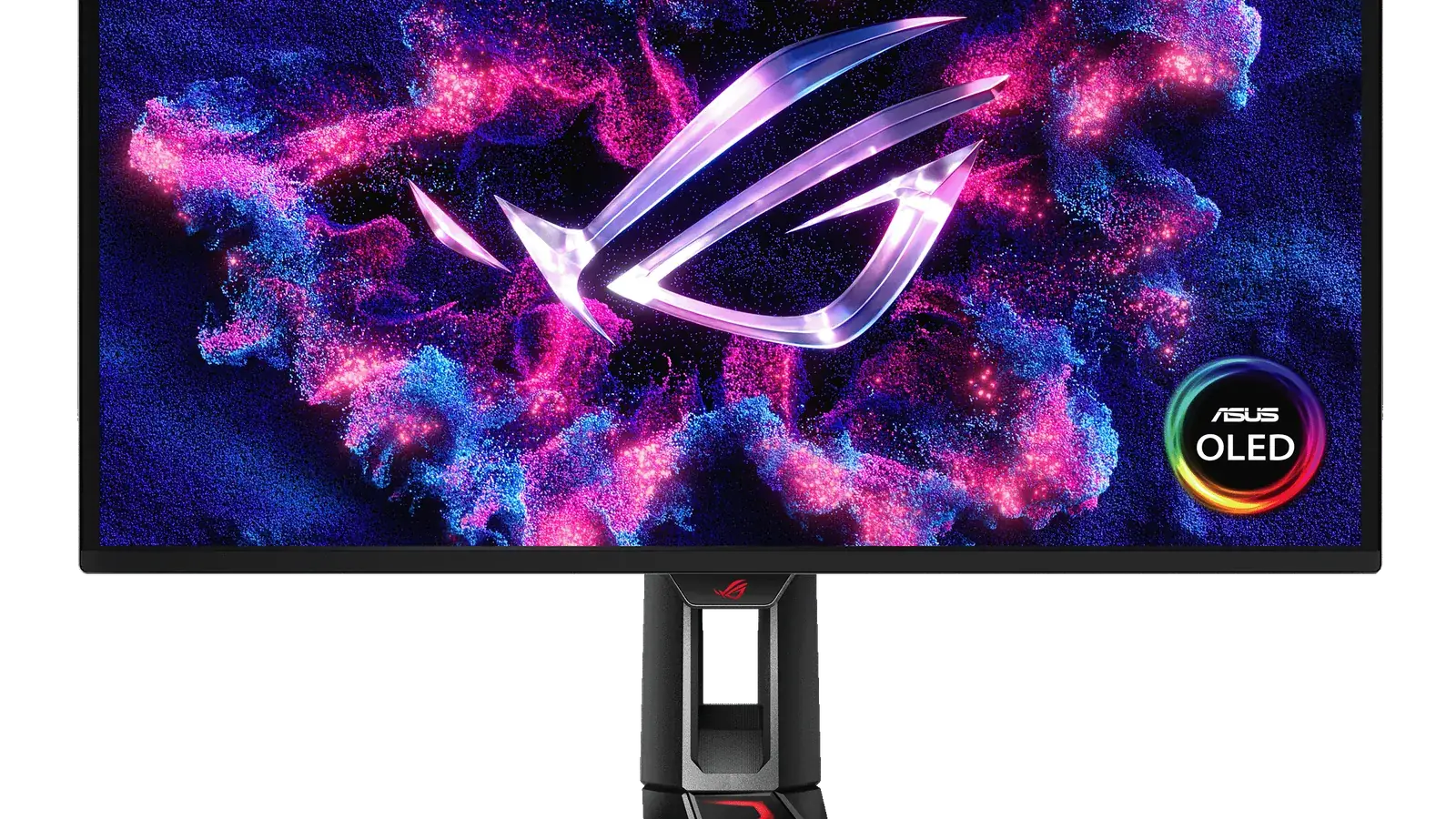
A practical guide to the best gaming monitors for PC, PS5, Xbox, OLED HDR, esports, 4K, and budget buyers.
Open gaming monitor guide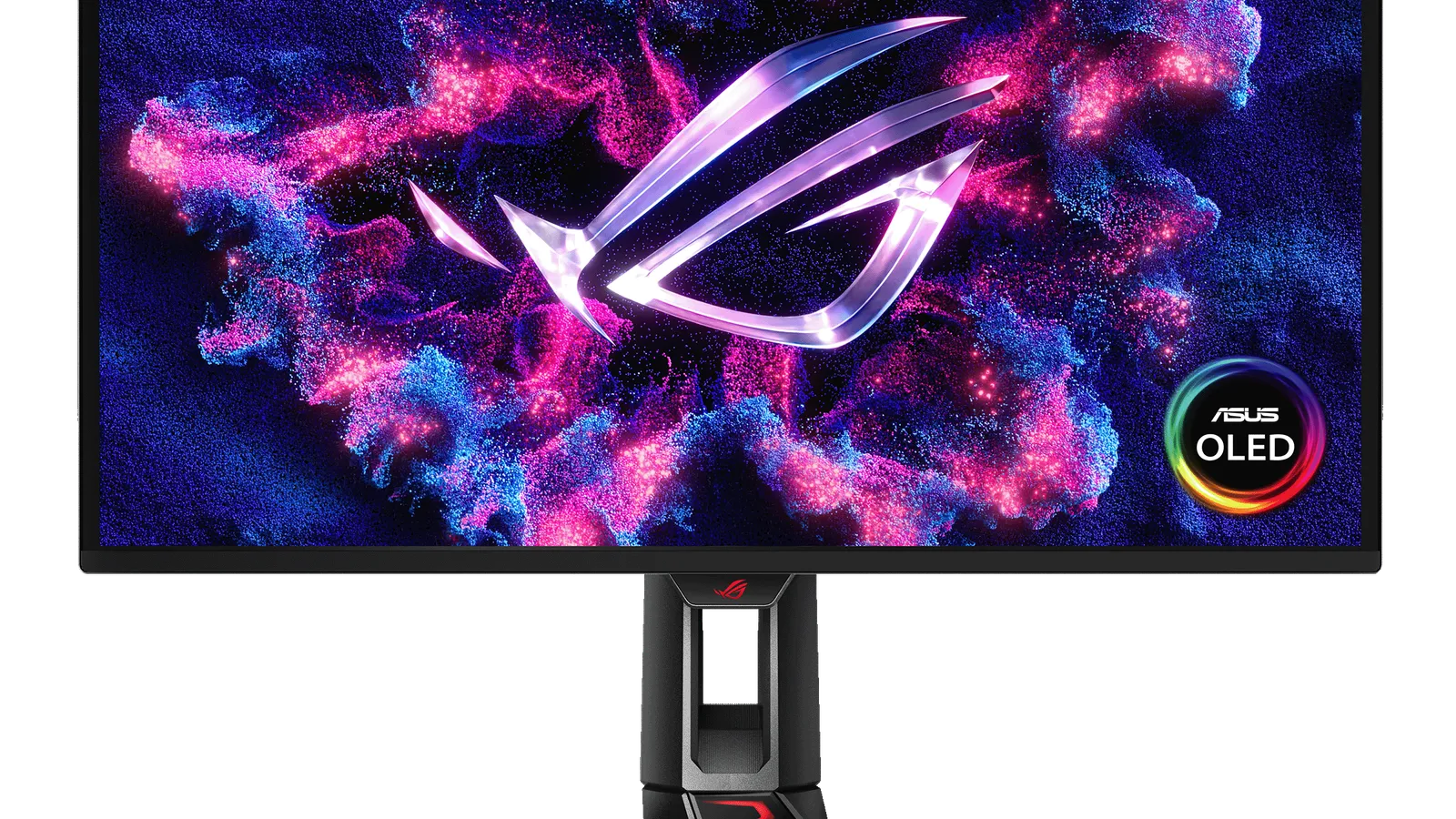
The best 4K monitors for gaming, productivity, creators, MacBook users, and budget buyers, with clear trade-offs by panel type and port setup.
Open 4K monitor guide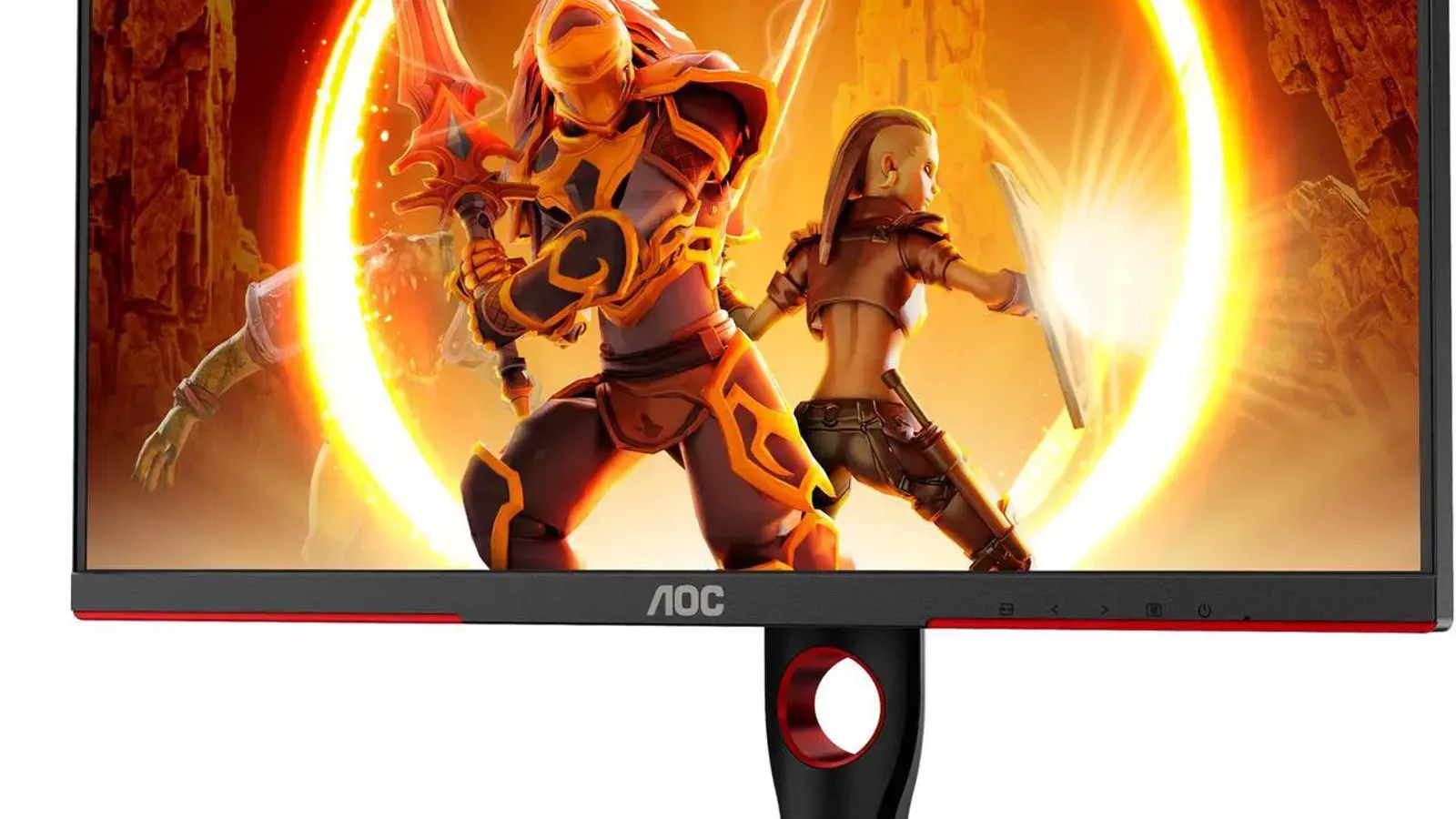
The best budget gaming monitors for budget buyers, including 1440p Mini LED, cheap esports, 32-inch, ultrawide, and console-friendly options.
Open budget gaming guideSame-desk companions
Reciprocal lanes from the desk-peripheral hubs—still commerce-free while monitor storefront checks stay incomplete.
Typing posture, switch noise, and layout width change how close you can sit to a wide panel.
Pointer habits and pad depth pair with monitor size when you rebuild a competitive desk.
When stutter feels room-wide—not panel-only—check mesh and router guides before blaming the display.
Product notes
Commerce-free research pages—use after scenario cards narrow panel class and desk fit.
Flagship QD‑OLED desk checklist—panel class, burn-in habits, and HDMI planning.
High-refresh IPS lane for competitive desks without OLED trade-offs.
Budget Mini LED contrast notes for value gaming setups.
Budget IPS gaming positioning beside the premium shortlist.
Shopping links, prices, and review labels are added only after product details and retailer paths are checked. How we choose · Verification policy · Affiliate disclosure
Better Buy Lab uses these guides to organize product trade-offs before showing scores, live prices, or stock claims. The focus here is fit: room, budget tier, use case, maintenance, and buyer risk.
Key buying checks
Match resolution, refresh rate, panel type, and ports to your desk depth, graphics hardware, and whether you mostly work, game, or both. Start here when you are narrowing options in this category.
Very high resolution only helps if your GPU and content can use it. Too little resolution for a large screen can look soft when you sit close.
Desks where you care about sharp text and UI at a normal viewing distance.
High pixel density can require OS scaling adjustments; low resolution on a large panel looks soft up close.
Panel size, native resolution, scaling comfort, target game frame rates, and cable bandwidth.
A high refresh rate helps when your PC or console can output matching frame rates and your cables support the signal. Film and casual use may not need the highest numbers.
Fast-paced gaming where you will tune graphics settings to match the display.
A high Hz label does not fix cable limits, capped sources, or GPUs already near their limit.
Target refresh rate, adaptive sync support, HDMI or DisplayPort version, and realistic FPS for your main use.
OLED, IPS, VA, and Mini LED differ in contrast, brightness, glow, maintenance, and HDR behavior. Your window placement and desktop habits matter.
Buyers who know their typical room brightness and whether they run static content for long periods.
A panel praised for dark-room use may be a poor fit for an all-day bright office.
Lighting, static content habits, HDR goals, viewing angles, and any maintenance you accept.
Deep feet, tight curves, or awkward rear ports reduce usable space for keyboard, mouse, and speakers.
Shallow desks, monitor arms, shared workspaces, or tight speaker placement.
Skipping depth measurements can crowd the keyboard or block shelving.
Footprint, height and tilt range, VESA pattern, port direction, and cable routing.
Port type and cable spec limit refresh, resolution, and charging. Assume USB-C display features are spelled out in the spec sheet.
Laptops, docks, desktops, and consoles on one desk.
Not every USB-C port carries the same video, power delivery, or data capability.
HDMI, DisplayPort, USB-C alt mode, cable labels, charger wattage, and whether the USB hub is useful.
Model names, regions, and bundles change what is in the box. Check the manufacturer page for your country, the seller listing, warranty text, and which accessories are included.
Buyers who shop online and need the shipment to match the configuration they selected.
Small naming differences can mean different ports, stands, or power adapters between regions.
SKU, country variant, return window, warranty, and that photos match the product you add to the cart.
A strong specification can still disappoint if glare, noise, edge cleaning, or return terms do not fit how you use the product.
Buyers who want to compare trade-offs before deciding.
Marketing often assumes ideal conditions; your room, hearing, or layout may differ.
Return policy, upkeep (filters, bags, mop pads), physical fit in the space, and whether the downsides are acceptable.
Every live monitor guide in this aisle—open scenario cards above before treating this grid as the starting point.
The best 4K monitors for gaming, productivity, creators, MacBook users, and budget buyers, with clear trade-offs by panel type and port setup.
The best budget gaming monitors for budget buyers, including 1440p Mini LED, cheap esports, 32-inch, ultrawide, and console-friendly options.
A practical guide to the best gaming monitors for PC, PS5, Xbox, OLED HDR, esports, 4K, and budget buyers.