Guide summary
Budget gaming monitors worth considering
Budget gaming screens split between fast 1080p esports panels and calmer 1440p balances—pick the compromise your desk can actually drive.
6 of 6 shortlist picks have editorial photos on this page.
- Category
- Monitors
- Shortlist
- 6 tracked picks
- Lead pick
- AOC Q27G3XMN
- Use case
- Best budget gaming monitor
Key buying checks
How to choose the right monitor for work and games
Match resolution, refresh rate, panel type, and ports to your desk depth, graphics hardware, and whether you mostly work, game, or both. Use these checks while you read the shortlist—they separate good fits from common buyer mistakes.
Match resolution and size to distance and sharpness
Very high resolution only helps if your GPU and content can use it. Too little resolution for a large screen can look soft when you sit close.
Desks where you care about sharp text and UI at a normal viewing distance.
High pixel density can require OS scaling adjustments; low resolution on a large panel looks soft up close.
Panel size, native resolution, scaling comfort, target game frame rates, and cable bandwidth.
Choose refresh rate your system can actually use
A high refresh rate helps when your PC or console can output matching frame rates and your cables support the signal. Film and casual use may not need the highest numbers.
Fast-paced gaming where you will tune graphics settings to match the display.
A high Hz label does not fix cable limits, capped sources, or GPUs already near their limit.
Target refresh rate, adaptive sync support, HDMI or DisplayPort version, and realistic FPS for your main use.
Choose panel type for your room lighting and use
OLED, IPS, VA, and Mini LED differ in contrast, brightness, glow, maintenance, and HDR behavior. Your window placement and desktop habits matter.
Buyers who know their typical room brightness and whether they run static content for long periods.
A panel praised for dark-room use may be a poor fit for an all-day bright office.
Lighting, static content habits, HDR goals, viewing angles, and any maintenance you accept.
Check stand depth, VESA, and cable paths
Deep feet, tight curves, or awkward rear ports reduce usable space for keyboard, mouse, and speakers.
Shallow desks, monitor arms, shared workspaces, or tight speaker placement.
Skipping depth measurements can crowd the keyboard or block shelving.
Footprint, height and tilt range, VESA pattern, port direction, and cable routing.
Check ports and cables before you buy
Port type and cable spec limit refresh, resolution, and charging. Assume USB-C display features are spelled out in the spec sheet.
Laptops, docks, desktops, and consoles on one desk.
Not every USB-C port carries the same video, power delivery, or data capability.
HDMI, DisplayPort, USB-C alt mode, cable labels, charger wattage, and whether the USB hub is useful.
Confirm the exact model before you buy
Model names, regions, and bundles change what is in the box. Check the manufacturer page for your country, the seller listing, warranty text, and which accessories are included.
Buyers who shop online and need the shipment to match the configuration they selected.
Small naming differences can mean different ports, stands, or power adapters between regions.
SKU, country variant, return window, warranty, and that photos match the product you add to the cart.
When headline specifications miss real-world limits
A strong specification can still disappoint if glare, noise, edge cleaning, or return terms do not fit how you use the product.
Buyers who want to compare trade-offs before deciding.
Marketing often assumes ideal conditions; your room, hearing, or layout may differ.
Return policy, upkeep (filters, bags, mop pads), physical fit in the space, and whether the downsides are acceptable.
Budget gaming monitor decision map
Choose a budget gaming monitor by setup risk first
These paths cover affordable esports panels, 1440p balance, Mini LED contrast, ultrawide immersion, 4K upgrades, desk fit, and ergonomics. They reflect Better Buy Lab editorial research only.
Entry esports setup
- Use this path when
- Start here when fast competitive play, a smaller desk, and simple GPU demands matter more than cinematic scale or premium HDR behavior.
- Avoid this shortcut if
- Do not treat the cheapest option as automatically best if text clarity, stand ergonomics, or shared work use will be frustrating every day.
- Next step
- Decide whether 1080p speed is enough or whether 1440p balance is the better long-term fit.
Balanced 1440p route
- Use this path when
- Use the broader gaming monitor path when 1440p sharpness, motion, panel quality, and upgrade headroom matter more than staying at the entry-level price band.
- Avoid this shortcut if
- Do not step up just because the spec sheet looks better if the desk, GPU, or game library will not benefit from the extra capability.
- Next step
- Compare speed, resolution, motion handling, and desk fit before treating 1440p as the automatic answer.
Mini LED value path
- Use this path when
- Use Mini LED-style value picks when HDR impact and contrast matter, but only after accepting the motion and viewing-angle trade-offs that can come with budget VA panels.
- Avoid this shortcut if
- Do not chase HDR labels if local dimming behavior, motion, or ergonomics are more important to the buyer than highlight impact.
- Next step
- Keep HDR, panel type, and motion caveats together instead of ranking by one headline feature.
Immersive 32-inch or ultrawide path
- Use this path when
- Use larger or ultrawide budget picks when immersion and single-player scale matter more than maximum pixel density or compact desk fit.
- Avoid this shortcut if
- Do not choose a larger screen if the desk is shallow, the stand takes too much space, or 27-inch sharpness would be easier to live with.
- Next step
- Check viewing distance, stand depth, cable reach, and whether the games you play handle the aspect ratio well.
4K upgrade checkpoint
- Use this path when
- Use the 4K route when console use, desktop text clarity, creator work, or high-detail gaming matters more than staying in a budget gaming lane.
- Avoid this shortcut if
- Do not jump to 4K if the connected device, GPU, desk depth, or scaling comfort will make the upgrade feel worse.
- Next step
- Use the 4K page to separate resolution needs from budget gaming needs.
Monitor category hub
- Use this path when
- Use the monitor hub if the buyer is still deciding between budget gaming, 4K work, OLED, Mini LED/LCD, desk setup, or productivity-first paths.
- Avoid this shortcut if
- Do not narrow too early when the main problem is still unclear.
- Next step
- Return to the hub when the decision is really about setup fit, not a single product row.
Budget gaming monitor buyer depth
Inside this budget gaming monitor guide
The public page can help readers avoid the common budget gaming monitor traps now. Exact product facts, current commercial output, media, and advanced schema stay blocked until evidence clears.
Budget bracket isn’t always the cheapest option
The page now frames budget gaming around the best fit for the setup: esports speed, 1440p balance, Mini LED contrast, larger-screen immersion, or a safer everyday desk choice.
Resolution and GPU trade-offs stay explicit
1080p, 1440p, ultrawide, and 4K upgrade paths are separated by desk size, graphics demands, text clarity, game type, and expected use outside gaming.
Panel and HDR caveats are not hidden
IPS, VA, Mini LED, OLED-adjacent expectations, HDR labels, motion behavior, viewing angle, and static desktop habits stay visible before product selection.
Ergonomics and setup need listing checks
Stand depth, height adjustment, port access, cable routing, warranty coverage, connectivity, retailer listings, photography, and pricing context still need confirmation from current product listings.
When budget gaming shortlist models stay live but desk-fit, panel class, and suffix questions remain, cross-read Dell Alienware AW3225DM product note, Dell Alienware AW3425DWM product note, AOC Q27G40XMN product note, LG 24GS65F-B product note, and Dell Alienware AW2725DM product note—commerce-free checklist pages beside this guide, not storefronts.
Budget gaming monitor pick logic
How to read the budget gaming shortlist
These notes explain budget setup roles for this guide. They are not final verdicts, owned measurement results, prices, retailer claims, stock claims, or review ratings.
AOC Q27G3XMN
- Budget gaming role
- Best budget gaming monitor
- Why it’s listed here
- 27-inch 1440p Mini LED, 180Hz, strong contrast and rare HDR value.
- Watch out
- Skip it if this caveat matters in your setup: Some VA smearing. That one detail can matter more than the headline spec.
LG 24GS65F-B
- Budget gaming role
- Best cheap 1080p esports monitor
- Why it’s listed here
- Budget-friendly fast play for competitive titles.
- Watch out
- Skip it if this caveat matters in your setup: Small and not cinematic. That one detail can matter more than the headline spec.
AOC Q27G40XMN
- Budget gaming role
- Best alternate Mini LED budget pick
- Why it’s listed here
- Improved local dimming/zone count in some markets.
- Watch out
- Skip it if this caveat matters in your setup: Availability and ergonomics vary. That one detail can matter more than the headline spec.
Dell Alienware AW2725DM
- Budget gaming role
- Best cheap 1440p IPS gaming monitor
- Why it’s listed here
- Fast 27-inch QHD gaming with better motion than many cheap VA panels.
- Watch out
- Skip it if this caveat matters in your setup: Weak HDR compared with Mini LED. That one detail can matter more than the headline spec.
Dell Alienware AW3225DM
- Budget gaming role
- Best budget 32-inch gaming monitor
- Why it’s listed here
- Bigger screen and 180Hz class performance.
- Watch out
- Skip it if this caveat matters in your setup: Less sharp than 27-inch 1440p. That one detail can matter more than the headline spec.
Dell Alienware AW3425DWM
- Budget gaming role
- Best budget ultrawide when the offer lines up
- Why it’s listed here
- Immersive 34-inch 21:9 gaming.
- Watch out
- Skip it if this caveat matters in your setup: Often drifts above the budget tier. That one detail can matter more than the headline spec.
Shortlist at a glance
Use these cards for buyer-fit context and research notes first. Optional Amazon listing buttons appear only on approved picks—always confirm model, bundle, and seller on the listing you open.
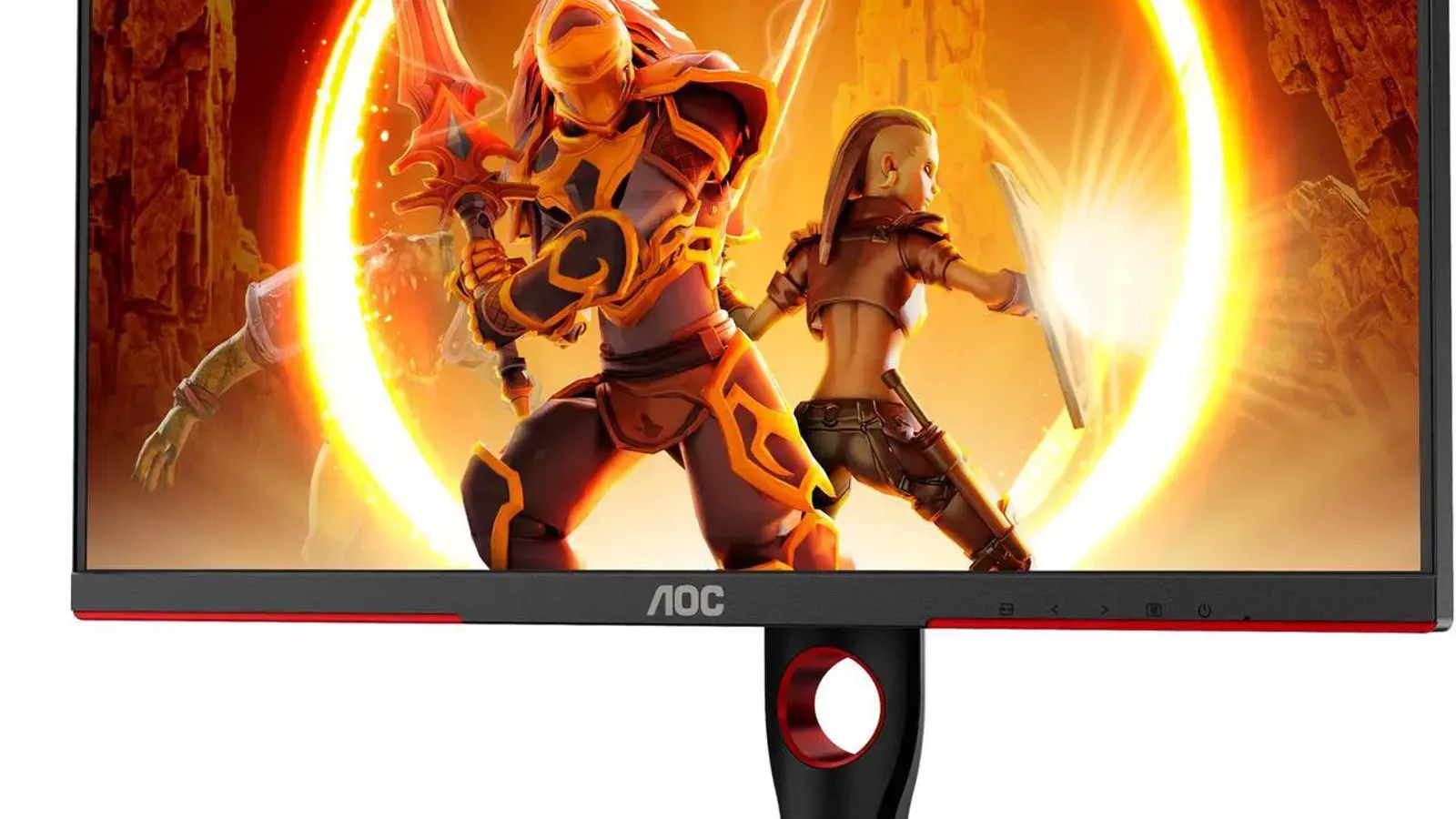
AOC Q27G3XMN
Best budget gaming monitor
- Best for
- Best budget gaming monitor
- Why it is here
- 27-inch 1440p Mini LED, 180Hz, strong contrast and rare HDR value
- Watch-out
- Some VA smearing
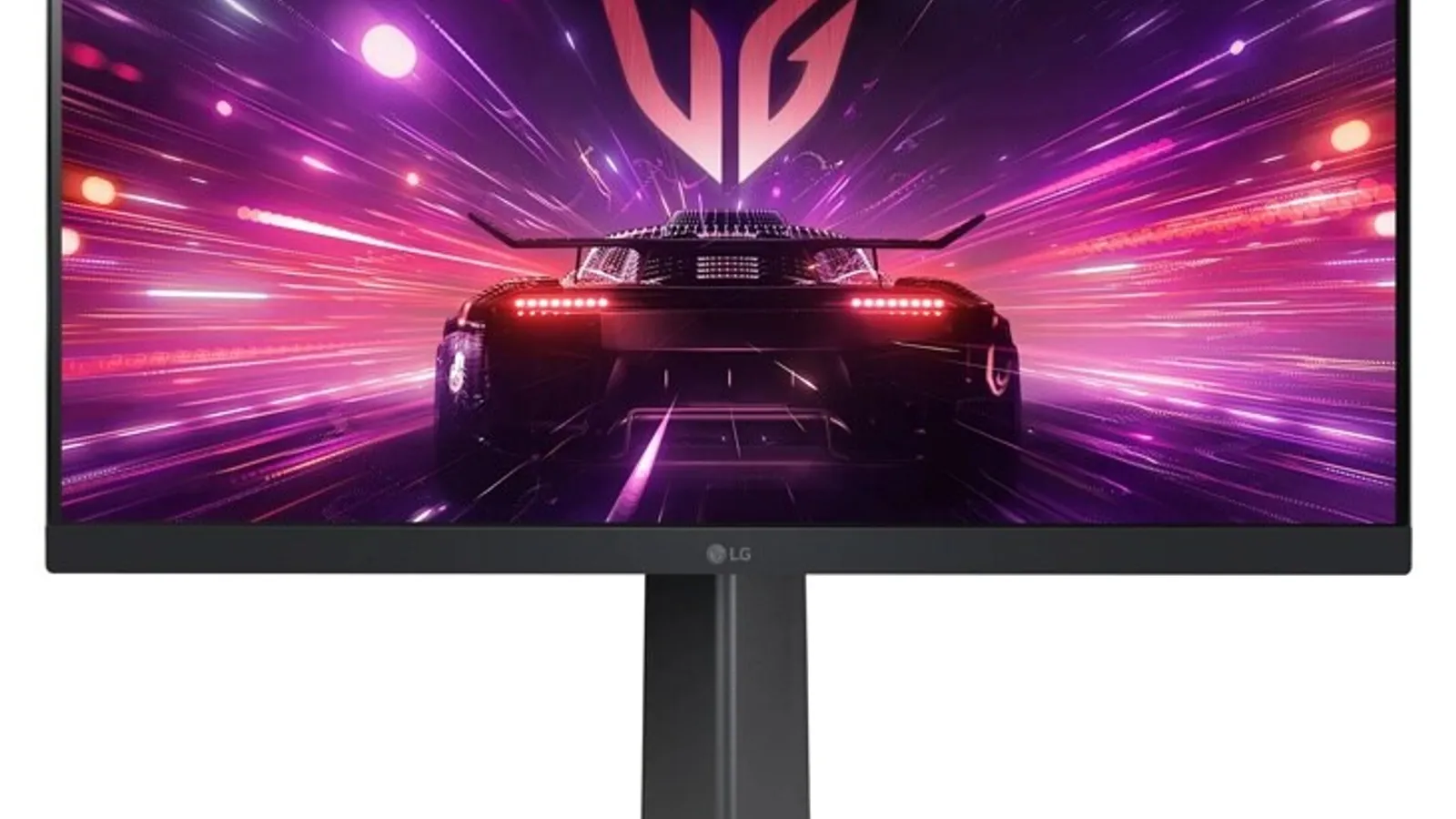
LG 24GS65F-B
Best cheap 1080p esports monitor
- Best for
- Best cheap 1080p esports monitor
- Why it is here
- Budget-friendly fast play for competitive titles
- Watch-out
- Small and not cinematic
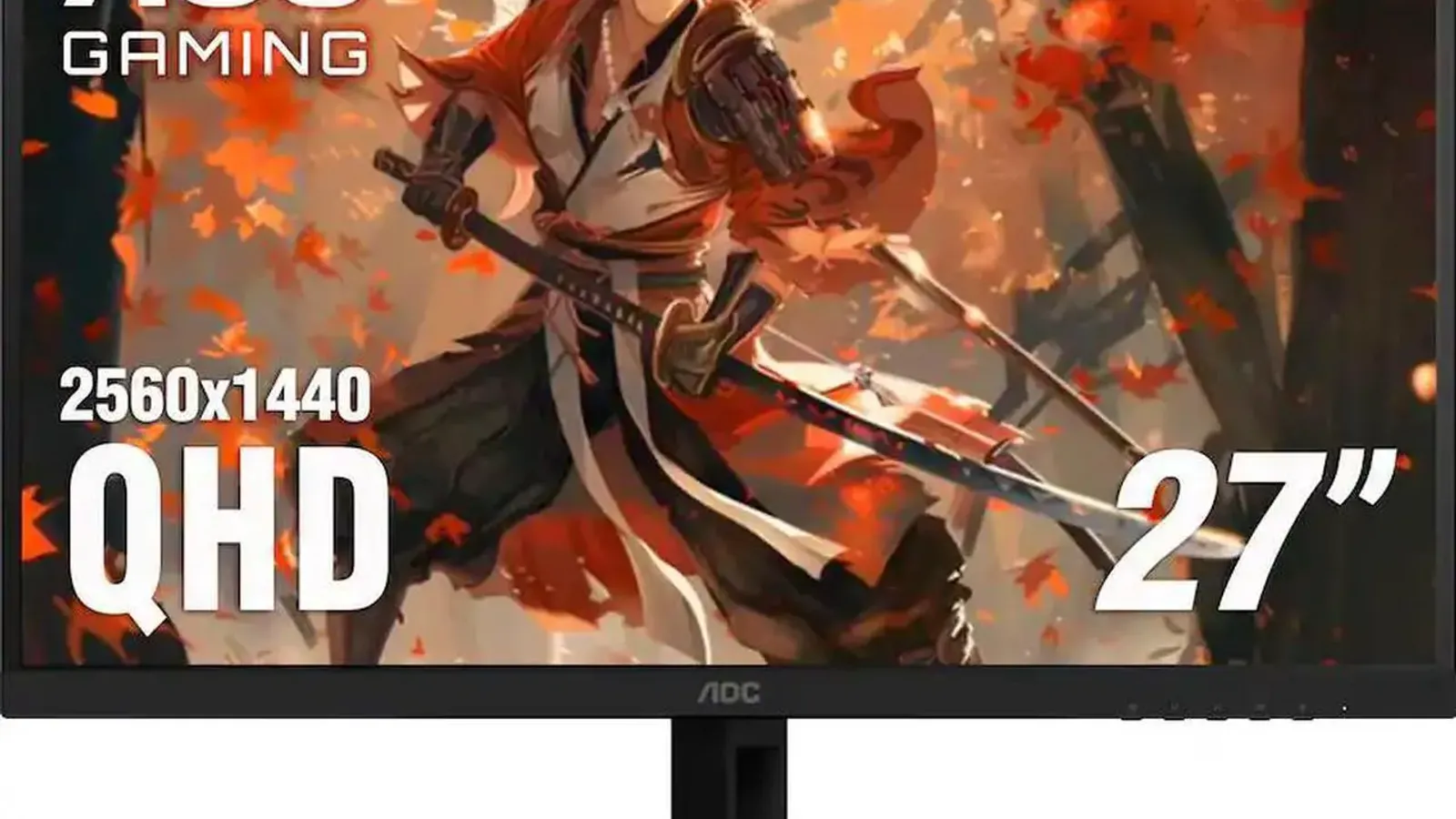
AOC Q27G40XMN
Best alternate Mini LED budget pick
- Best for
- Best alternate Mini LED budget pick
- Why it is here
- Improved local dimming/zone count in some markets
- Watch-out
- availability and ergonomics vary
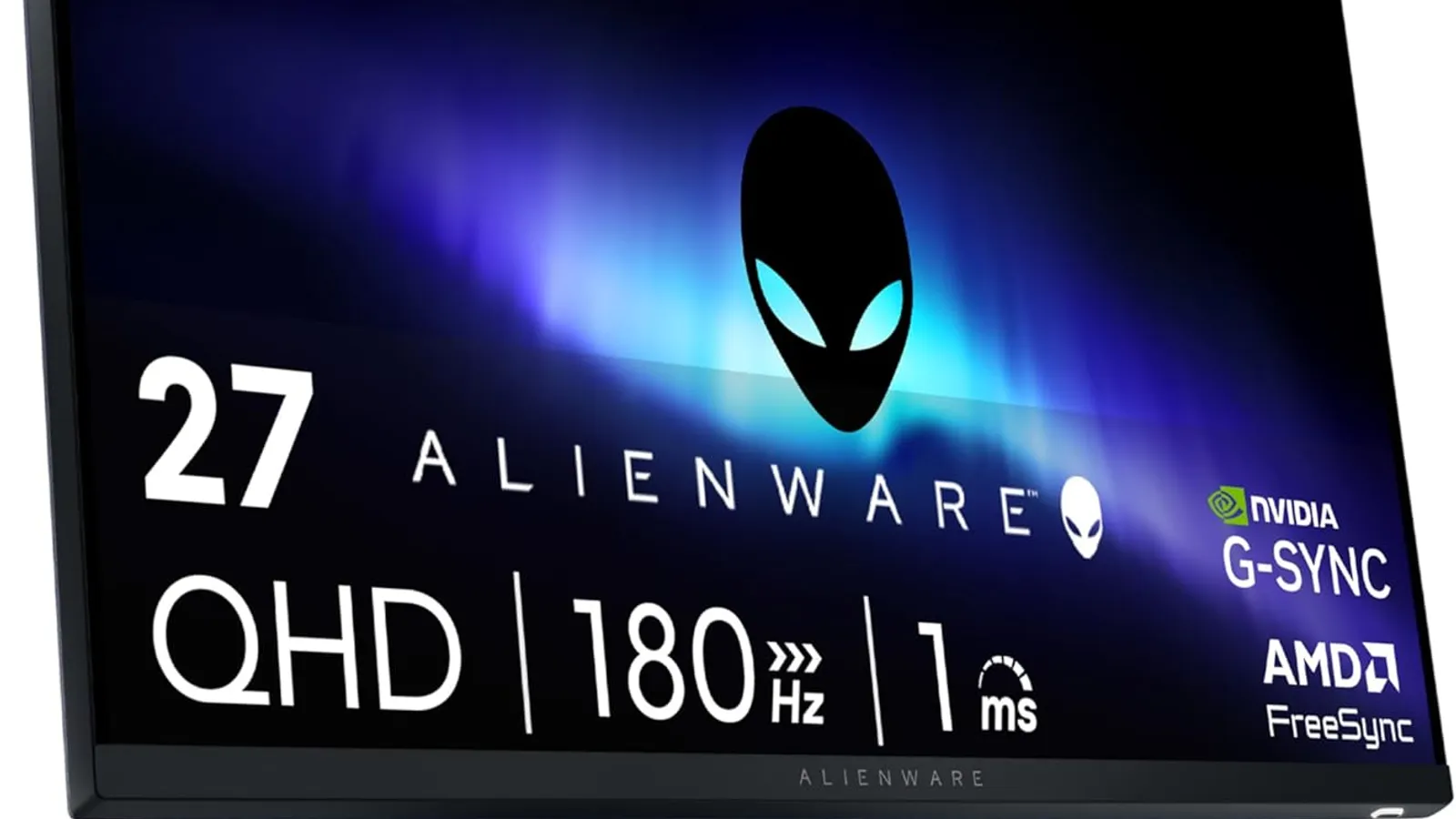
Dell Alienware AW2725DM
Best cheap 1440p IPS gaming monitor
- Best for
- Best cheap 1440p IPS gaming monitor
- Why it is here
- Fast 27-inch QHD gaming with better motion than many cheap VA panels
- Watch-out
- Weak HDR compared with Mini LED

Dell Alienware AW3225DM
Best budget 32-inch gaming monitor
- Best for
- Best budget 32-inch gaming monitor
- Why it is here
- Bigger screen and 180Hz class performance
- Watch-out
- Less sharp than 27-inch 1440p
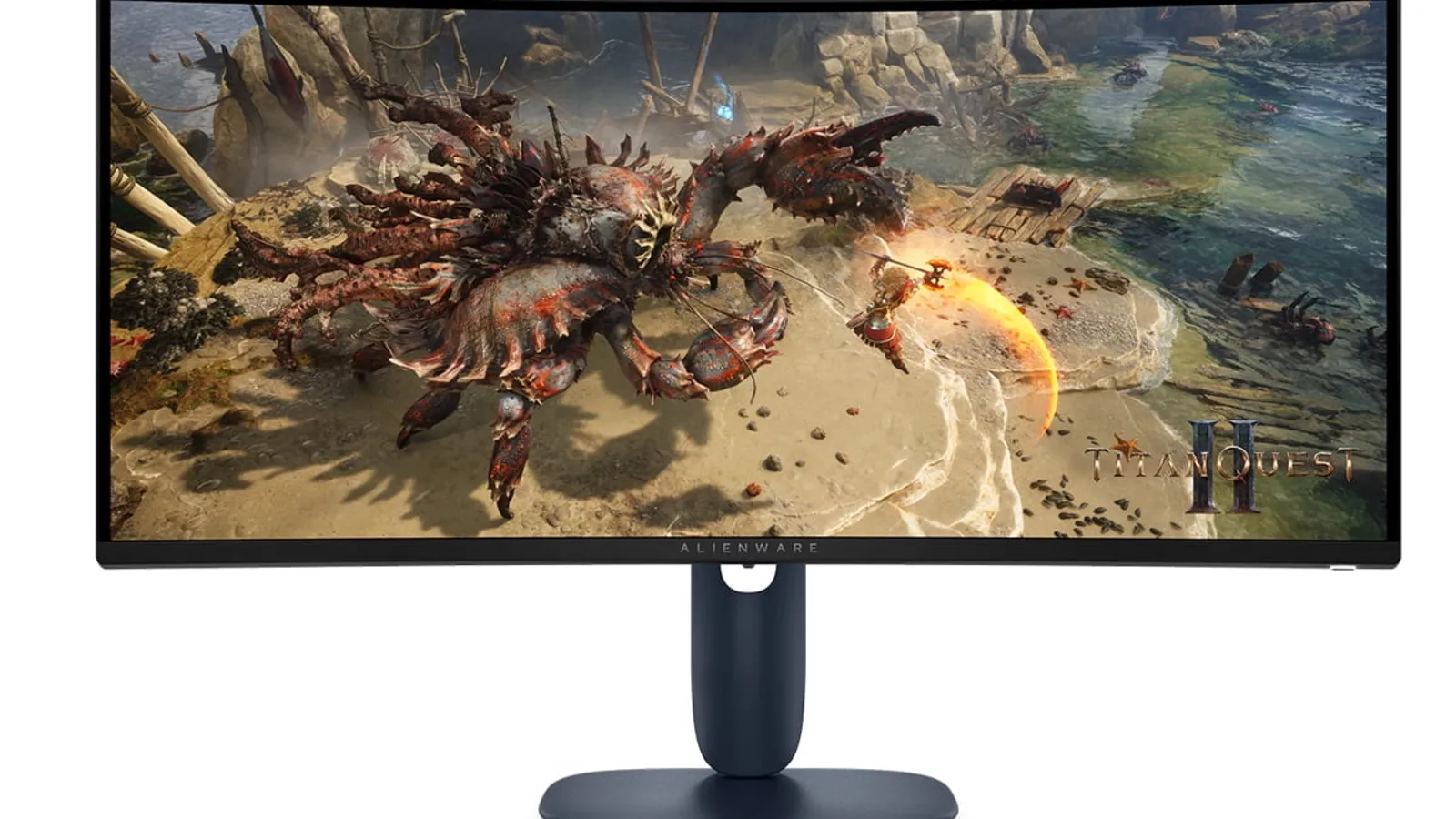
Dell Alienware AW3425DWM
Best budget ultrawide when the offer lines up
- Best for
- Best budget ultrawide when the offer lines up
- Why it is here
- Immersive 34-inch 21:9 gaming
- Watch-out
- Often drifts above the budget tier
Related Monitors best lists
Use these monitors lists to narrow the shortlist by use case, setup, and buyer constraints.
Best 4K Monitors
The best 4K monitors for gaming, productivity, creators, MacBook users, and budget buyers, with clear trade-offs by panel type and port setup.
Best Gaming Monitors
A practical guide to the best gaming monitors for PC, PS5, Xbox, OLED HDR, esports, 4K, and budget buyers.
Quick Verdict
Budget gaming monitors have improved fast. budget buyers can now get 1440p, 180Hz, VRR, and even Mini LED HDR if you know which compromises are acceptable. If you only skim one section, use the table below to match the product to your room, budget, and main use case. The goal is not to crown the fanciest product; the goal is to prevent the wrong purchase.
Our recommendation logic is simple: start with the model that solves the biggest real-world problem, then check whether the value still makes sense today. A premium pick should earn its price through visible benefits. A budget pick should be cheap without creating buyer's remorse.
Comparison Table
| Pick | Best for | Why it is here | Watch-out |
|---|---|---|---|
| AOC Q27G3XMN | Best budget gaming monitor | 27-inch 1440p Mini LED, 180Hz, strong contrast and rare HDR value | Some VA smearing |
| AOC Q27G40XMN | Best alternate Mini LED budget pick | Improved local dimming/zone count in some markets | availability and ergonomics vary |
| Dell Alienware AW2725DM | Best cheap 1440p IPS gaming monitor | Fast 27-inch QHD gaming with better motion than many cheap VA panels | Weak HDR compared with Mini LED |
| LG 24GS65F-B | Best cheap 1080p esports monitor | Budget-friendly fast play for competitive titles | Small and not cinematic |
| Dell Alienware AW3225DM | Best budget 32-inch gaming monitor | Bigger screen and 180Hz class performance | Less sharp than 27-inch 1440p |
| Dell Alienware AW3425DWM | Best budget ultrawide when the offer lines up | Immersive 34-inch 21:9 gaming | Often drifts above the budget tier |
How We Chose
For this page, the editorial team should score each candidate against the following criteria:
- price tier
- resolution
- refresh rate
- response time
- VRR
- HDR usefulness
- stand quality
- console compatibility
Do not rank products by spec-sheet glamour alone. Weight the criteria according to the reader's likely room and use case. For example, a buyer searching for best budget gaming monitor usually wants a clean shortlist, plain-English trade-offs, and a fast path to a shortlist or deeper review.
1. AOC Q27G3XMN: Best budget gaming monitor
Expert take: This is the budget monitor that makes the category interesting: 1440p, high refresh, and useful HDR from Mini LED. The VA-smearing caveat should stay visible.
Why it makes the list: 27-inch 1440p Mini LED, 180Hz, strong contrast and rare HDR value.
Who should buy it: Choose this if your priority is best budget gaming monitor and the current value keeps it in the right tier. This is the product card where the editor should explain the real-world setup, not just repeat specs.
Who should skip it: Skip it if this caveat matters in your setup: Some VA smearing. That one detail can matter more than the headline spec.
2. AOC Q27G40XMN: Best alternate Mini LED budget pick
Expert take: This is the alternate Mini LED budget play. It can be better than the older AOC in some areas, but availability and stand/ergonomics need retailer-level verification.
Why it makes the list: Improved local dimming/zone count in some markets.
Who should buy it: Choose this if your priority is best alternate mini led budget pick and the current value keeps it in the right tier. This is the product card where the editor should explain the real-world setup, not just repeat specs.
Who should skip it: Skip it if this caveat matters in your setup: availability and ergonomics vary. That one detail can matter more than the headline spec.
3. Dell Alienware AW2725DM: Best cheap 1440p IPS gaming monitor
Expert take: This is the cheap 1440p IPS option for people who hate VA smearing. It trades HDR depth for cleaner motion.
Why it makes the list: Fast 27-inch QHD gaming with better motion than many cheap VA panels.
Who should buy it: Choose this if your priority is best cheap 1440p ips gaming monitor and the current value keeps it in the right tier. This is the product card where the editor should explain the real-world setup, not just repeat specs.
Who should skip it: Skip it if this caveat matters in your setup: Weak HDR compared with Mini LED. That one detail can matter more than the headline spec.
4. LG 24GS65F-B: Best cheap 1080p esports monitor
Expert take: This is the cheap esports recommendation. It is fast and inhigher-commitment, but it is not the right pick for immersive single-player games or productivity.
Why it makes the list: Budget-friendly fast play for competitive titles.
Who should buy it: Choose this if your priority is best cheap 1080p esports monitor and the current value keeps it in the right tier. This is the product card where the editor should explain the real-world setup, not just repeat specs.
Who should skip it: Skip it if this caveat matters in your setup: Small and not cinematic. That one detail can matter more than the headline spec.
5. Dell Alienware AW3225DM: Best budget 32-inch gaming monitor
Expert take: This is the larger budget monitor option. It is immersive for casual play, but not as crisp as a 27-inch 1440p display.
Why it makes the list: Bigger screen and 180Hz class performance.
Who should buy it: Choose this if your priority is best budget 32-inch gaming monitor and the current value keeps it in the right tier. This is the product card where the editor should explain the real-world setup, not just repeat specs.
Who should skip it: Skip it if this caveat matters in your setup: Less sharp than 27-inch 1440p. That one detail can matter more than the headline spec.
6. Dell Alienware AW3425DWM: Best budget ultrawide when the offer lines up
Expert take: This is the budget ultrawide pick only when deal-dependent value behaves. It should be monitored in the verified value windows system because its value changes quickly.
Why it makes the list: Immersive 34-inch 21:9 gaming.
Who should buy it: Choose this if your priority is best budget ultrawide when the offer lines up and the current value keeps it in the right tier. This is the product card where the editor should explain the real-world setup, not just repeat specs.
Who should skip it: Skip it if this caveat matters in your setup: Often drifts above the budget tier. That one detail can matter more than the headline spec.
What To Avoid
- Avoid buying only because a product is value-positioned. A bad fit at a value window is still a bad fit.
- Avoid overpaying for features you will not use. A gaming-first feature set is wasted on a movie-only setup, and creator-grade accuracy is wasted on casual streaming.
- Avoid single-retailer tunnel vision. Check at least two retailers because availability, return windows, bundle offers, and price-match policies can change the true value.
- Avoid publishing this page without a price freshness check. The top recommendation can change when one model gets a major value window.
Buying Advice By Scenario
If you want the safest pick
Choose the product labeled Best overall if the reader wants the fewest compromises and is comfortable paying more for a complete experience.
If you want the best value
Choose the value or mid-range pick if the premium model is meaningfully more higher-commitment but does not solve a problem the reader actually has.
If you are budget-limited
Choose the budget pick only after verifying current price, stock, warranty, and return policy. Budget products are where retailer support matters most.
If you are waiting for a sale
If you are not buying today, keep the shortlist and re-check it when verified deal paths are available.
FAQ
What is the best budget gaming monitor?
The AOC Q27G3XMN is the strongest budget starting point because it combines 1440p, 180Hz, VRR, and Mini LED contrast at a price where most rivals only offer basic IPS or VA panels.
Is 1080p still worth it for gaming?
Yes for esports and very tight budgets. For most buyers, 1440p is the better long-term value if your graphics card can handle it.
Can budget monitors do real HDR?
Most cannot. Mini LED models like the AOC Q27G3XMN class are exceptions because local dimming and brightness make HDR visibly meaningful.
Should I buy a monitor budget tier or budget tier?
Spend closer to budget tier if you want 1440p and better picture quality. Stay budget tier only if speed matters more than image quality.