Best TVs overall
Start here for mixed movie, sports, and streaming rooms—OLED and brighter LCD-style picks share one ladder with ledger-approved Amazon buttons on eligible models.
TVs and home theater
Start with how you watch—bright living room, dark-room movies, console gaming, or panel-type uncertainty—then open the shortlist that matches. We publish buyer-fit guidance first; storefront buttons appear only on approved guides after listing checks.
Flagship lists cover mixed-use TVs, OLED-only picks, and gaming-first HDMI setups. Panel and sibling notes stay commerce-free until you are ready to verify SKUs.
Popular entry points
Better Buy Lab TVs guides help shoppers work through Best TVs, OLED vs Mini LED guidance, gaming TV picks, and room-fit buying advice..
Start with how you watch—bright living room, dark-room movies, console gaming, or panel-type uncertainty—then open the shortlist that matches. We publish buyer-fit guidance first; storefront buttons appear only on approved guides after listing checks.
Flagship lists cover mixed-use TVs, OLED-only picks, and gaming-first HDMI setups. Panel and sibling notes stay commerce-free until you are ready to verify SKUs.
Explore guides
Each card opens an existing Better Buy Lab shortlist—no new routes, no prices on these hub pages.
Start here for mixed movie, sports, and streaming rooms—OLED and brighter LCD-style picks share one ladder with ledger-approved Amazon buttons on eligible models.
Use when contrast and dark-room viewing already won the panel debate—Samsung, LG, and Sony lanes with the same disclosure-gated storefront rules as Best TVs.
Console and PC buyers who need HDMI headroom, VRR clarity, and glare planning before they narrow to a specific OLED or LCD pick.
Read before you memorize model specs—settle backlight class and room habits, then return to the shortlist that fits.
Sibling QD‑OLED positioning without storefront tools—use after the OLED shortlist when two Samsung models stay in contention.
Recommended first step
Open the primary shortlist, scan buyer-fit and trade-off notes, then jump to a narrower guide if your room or use case is already specific.
Popular right now
Browse clear buyer routing and trade-offs you can skim fast—organized for everyday shopping questions in this aisle.

A Better Buy Lab guide to the best TVs for movies, bright rooms, sports, gaming, and tighter budgets, with clear research-informed tradeoffs and buyer-fit advice.
Read the guide
A Better Buy Lab OLED TV guide built from research-informed rankings, with clear advice on QD-OLED vs WOLED, bright rooms, gaming, Dolby Vision, and value.
Read the guide
A Better Buy Lab guide to the best gaming TVs for PS5, Xbox Series X, PC, HDR gaming, bright rooms, and budget setups, built from research-informed rankings and buyer-first tradeoffs.
Read the guide
The best 65-inch TVs for living rooms, home theater, gaming, and budget shoppers, with size-specific buying advice and CTA placement notes.
Read the guide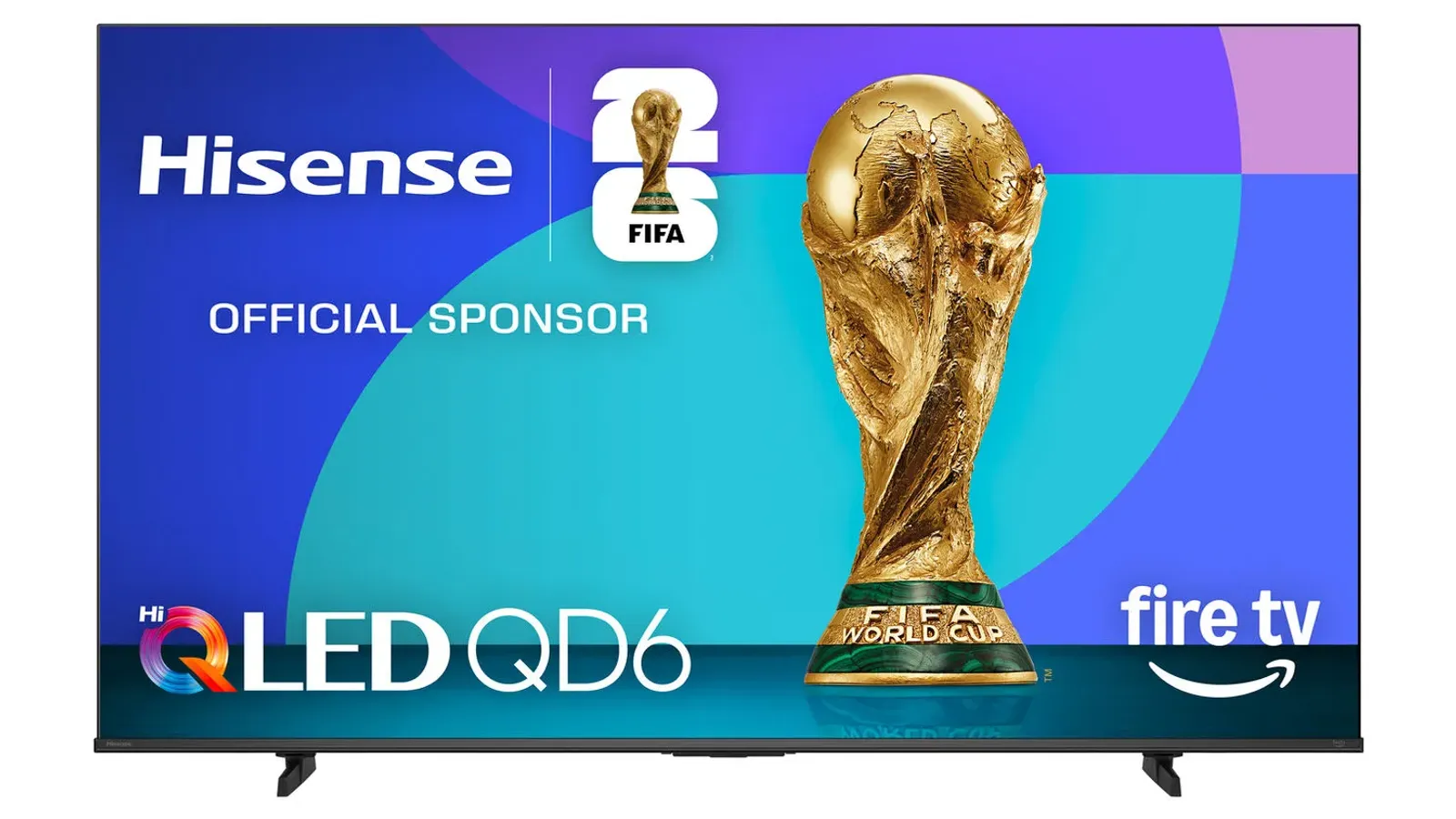
The best budget TVs for buyers who want a real upgrade without paying premium TV tiers, including Mini LED, 65-inch, and gaming-focused options.
Read the guidePanel primer, Samsung sibling compare, and standout product notes—each page stays informational until you choose a monetized buying guide.
Choose a panel direction before you chase individual model specs.
Side-by-side Samsung OLED buyer fit—commerce-free comparison page.
Product notes
Premium Dolby Vision OLED checklist—commerce-free beside the OLED shortlist.
Balanced LG OLED lane—commerce-free checklist beside the monetized guides.
Budget-conscious OLED and gaming-lane context without storefront modules.
Processing-first film use when Dolby Vision ecosystems matter.
Flagship QD‑OLED checklist—still no Amazon buttons on the note itself.
Step-down Samsung QD‑OLED sibling when halo spend feels excessive.
Shopping links, prices, and review labels are added only after product details and retailer paths are checked. How we choose · Verification policy · Affiliate disclosure
Better Buy Lab uses these guides to organize product trade-offs before showing scores, live prices, or stock claims. The focus here is fit: room, budget tier, use case, maintenance, and buyer risk.
Key buying checks
Start with how you watch (movies, sports, gaming), room lighting, seating, and placement. Those choices matter as much as peak brightness on the spec sheet. Start here when you are narrowing options in this category.
Contrast, tone mapping, and processing should match your typical content and viewing distance, not store demo modes.
Households that care about shadow detail and highlight behavior in HDR and SDR.
Retail demo modes often oversharpen or push brightness; check cinema or filmmaker modes for home use.
Panel type, dimming approach, HDR formats you use, and viewing angle from your seats.
Output level and screen finish affect whether sports and daytime content stay clear when light hits the glass.
Living rooms with windows, skylights, or lamps behind the seating.
Glossy screens can mirror windows; placement relative to bright light sources matters.
Screen finish, placement versus windows, typical daytime use, and whether you use bias lighting.
Variable refresh, low latency, and 4K120 require the right HDMI layout, including soundbar or receiver passthrough.
Console or PC gaming where input lag and sync stability matter.
Not every size in a series has identical gaming behavior; some modes change brightness to protect the panel.
HDMI count and capability, VRR range, eARC path, game mode behavior, and audio routing.
Motion interpolation can smooth sports but annoy film viewers; game modes may disable processing you like for movies.
Mixed use between sports, action content, and gaming on one TV.
Strong interpolation causes soap-opera effect; some modes add latency for gaming.
Motion settings, separate game mode, and who controls the remote for films versus sports.
App availability, update support, and remote layout affect whether you need extra streaming devices.
Households that want one remote and minimal extra hardware.
Regional app gaps and account requirements can block a must-have service.
Required apps, update history, remote layout, casting, and voice-assistant requirements.
Width, stand depth, and port location must fit the furniture and sound equipment you plan to use.
Wall mounts, thin furniture, long soundbars, or tight viewing distances.
Very large screens in small rooms increase reflection and neck strain.
Seating distance, furniture width, port access, soundbar clearance, and delivery path.
Model names, regions, and bundles change what is in the box. Check the manufacturer page for your country, the seller listing, warranty text, and which accessories are included.
Buyers who shop online and need the shipment to match the configuration they selected.
Small naming differences can mean different ports, stands, or power adapters between regions.
SKU, country variant, return window, warranty, and that photos match the product you add to the cart.
A strong specification can still disappoint if glare, noise, edge cleaning, or return terms do not fit how you use the product.
Buyers who want to compare trade-offs before deciding.
Marketing often assumes ideal conditions; your room, hearing, or layout may differ.
Return policy, upkeep (filters, bags, mop pads), physical fit in the space, and whether the downsides are acceptable.
Every live contract-backed list in this category, including size and budget lanes.
The best 65-inch TVs for living rooms, home theater, gaming, and budget shoppers, with size-specific buying advice and CTA placement notes.
A Better Buy Lab guide to the best gaming TVs for PS5, Xbox Series X, PC, HDR gaming, bright rooms, and budget setups, built from RTINGS-backed rankings and buyer-first tradeoffs.
A Better Buy Lab OLED TV guide built from RTINGS-backed rankings, with clear advice on QD-OLED vs WOLED, bright rooms, gaming, Dolby Vision, and value.
The best budget TVs for buyers who want a real upgrade without paying premium TV tiers, including Mini LED, 65-inch, and gaming-focused options.
A Better Buy Lab guide to the best TVs for movies, bright rooms, sports, gaming, and tighter budgets, with clear RTINGS-backed tradeoffs and buyer-fit advice.