Guide summary
Best gaming monitors for your desk setup
Gaming monitors are not just refresh-rate races—match resolution, panel type, GPU or console fit, desk depth, and how you play before you chase a spec sheet.
6 of 6 shortlist picks have editorial photos on this page.
- Category
- Monitors
- Shortlist
- 6 tracked picks
- Lead pick
- ASUS ROG Swift OLED PG27UCDM
- Use case
- Best gaming monitor overall
Key buying checks
How to choose the right monitor for work and games
Match resolution, refresh rate, panel type, and ports to your desk depth, graphics hardware, and whether you mostly work, game, or both. Use these checks while you read the shortlist—they separate good fits from common buyer mistakes.
Match resolution and size to distance and sharpness
Very high resolution only helps if your GPU and content can use it. Too little resolution for a large screen can look soft when you sit close.
Desks where you care about sharp text and UI at a normal viewing distance.
High pixel density can require OS scaling adjustments; low resolution on a large panel looks soft up close.
Panel size, native resolution, scaling comfort, target game frame rates, and cable bandwidth.
Choose refresh rate your system can actually use
A high refresh rate helps when your PC or console can output matching frame rates and your cables support the signal. Film and casual use may not need the highest numbers.
Fast-paced gaming where you will tune graphics settings to match the display.
A high Hz label does not fix cable limits, capped sources, or GPUs already near their limit.
Target refresh rate, adaptive sync support, HDMI or DisplayPort version, and realistic FPS for your main use.
Choose panel type for your room lighting and use
OLED, IPS, VA, and Mini LED differ in contrast, brightness, glow, maintenance, and HDR behavior. Your window placement and desktop habits matter.
Buyers who know their typical room brightness and whether they run static content for long periods.
A panel praised for dark-room use may be a poor fit for an all-day bright office.
Lighting, static content habits, HDR goals, viewing angles, and any maintenance you accept.
Check stand depth, VESA, and cable paths
Deep feet, tight curves, or awkward rear ports reduce usable space for keyboard, mouse, and speakers.
Shallow desks, monitor arms, shared workspaces, or tight speaker placement.
Skipping depth measurements can crowd the keyboard or block shelving.
Footprint, height and tilt range, VESA pattern, port direction, and cable routing.
Check ports and cables before you buy
Port type and cable spec limit refresh, resolution, and charging. Assume USB-C display features are spelled out in the spec sheet.
Laptops, docks, desktops, and consoles on one desk.
Not every USB-C port carries the same video, power delivery, or data capability.
HDMI, DisplayPort, USB-C alt mode, cable labels, charger wattage, and whether the USB hub is useful.
Confirm the exact model before you buy
Model names, regions, and bundles change what is in the box. Check the manufacturer page for your country, the seller listing, warranty text, and which accessories are included.
Buyers who shop online and need the shipment to match the configuration they selected.
Small naming differences can mean different ports, stands, or power adapters between regions.
SKU, country variant, return window, warranty, and that photos match the product you add to the cart.
When headline specifications miss real-world limits
A strong specification can still disappoint if glare, noise, edge cleaning, or return terms do not fit how you use the product.
Buyers who want to compare trade-offs before deciding.
Marketing often assumes ideal conditions; your room, hearing, or layout may differ.
Return policy, upkeep (filters, bags, mop pads), physical fit in the space, and whether the downsides are acceptable.
Who this is for: Shoppers building or upgrading a gaming desk—PC, console, or both—who need a starting shortlist before they memorize refresh-rate marketing.
Why gaming monitors are not just refresh rate: Resolution, panel type, GPU or console output, desk depth, HDR expectations, and how much static desktop work you do all change which row makes sense. A high refresh number does not help if the panel is the wrong size or your hardware cannot feed it.
Match the monitor to your setup: Competitive play, cinematic RPGs, mixed work, bright rooms, OLED contrast, and budget caps are different problems. This guide routes by setup first, then explains why each pick is on the shortlist.
When another lane fits better: Pure productivity-first 4K desks may belong on 4K monitors; tight budgets on budget gaming monitors; shared living-room console play may belong on gaming TVs when distance and size beat a desk panel.
What not to assume: Better Buy Lab does not publish measured response times, hands-on lab scores, live prices, or stock claims on this page. Ledger-approved Amazon Associates buttons may open amazon.com listings for specific shortlist picks—confirm model year, ports, bundle, and seller before you buy.
Start with your setup
Choose by gaming setup
Pick the card closest to how you play and where the screen sits—then use the shortlist for models that match that lane.
Competitive PC gaming
When it fits: Ranked play, shooters, or fast-motion titles where frame rate and motion clarity matter more than maximum resolution.
What to check: Match refresh class and resolution to what your GPU can sustain, then check desk depth and text scaling if you also work on the same screen.
Compare gaming monitorsConsole gaming
When it fits: PS5, Xbox, or handheld-dock setups where HDMI bandwidth, VRR, and living-room versus desk distance decide the fit.
What to check: Count HDMI 2.1 ports, confirm 4K/120Hz or 1440p/120Hz support on the listing, and decide whether a monitor beats a TV for your room.
Gaming monitor shortlist1440p sweet spot
When it fits: A balance of sharpness and frame rate on a typical 27-inch desk without paying for flagship 4K OLED.
What to check: Check GPU headroom at your target refresh rate and whether you need OLED motion or calmer IPS/Mini LED for mixed desktop use.
1440p gaming monitors4K single-player visuals
When it fits: Story-driven games, detailed open worlds, or mixed creative work where pixel density matters as much as speed.
What to check: Confirm scaling comfort, cable bandwidth, and whether your GPU can hold playable frame rates at native 4K.
Best 4K monitorsOLED contrast and motion
When it fits: Dark-room immersion, fast motion, and high contrast matter—and static desktop habits are manageable.
What to check: Review burn-in warranty language, static HUD habits, and whether Mini LED is safer for bright rooms or all-day productivity.
OLED gaming pathBudget gaming desk
When it fits: A safer price band with clear compromises on HDR, motion, ergonomics, or panel type.
What to check: Decide which compromise you accept—VA smear, weaker HDR, smaller size, or fewer ports—before comparing rows.
Budget gaming monitorsWork plus gaming
When it fits: Spreadsheets, coding, or color-sensitive work share the same panel as evening gaming sessions.
What to check: Prioritize text clarity, scaling, ergonomics, and static-content comfort before chasing maximum refresh marketing.
4K and mixed-use monitorsSmall desk or dorm setup
When it fits: Shallow desks, tight budgets, or dorms where a 24-inch 1080p panel is the realistic ceiling.
What to check: Measure viewing distance, confirm stand depth, and verify whether 1440p is worth the GPU stretch in a small room.
Compact desk optionsPanel and resolution
Resolution, refresh rate, and panel trade-offs
Use this section to sanity-check marketing before you open product pages—no single spec wins every desk.
1080p high refresh
Best when competitive frame rate matters more than fine detail—common on 24-inch esports desks if the GPU can feed the panel.
1440p balanced gaming
The usual sweet spot for 27-inch desks: sharper than 1080p without the GPU tax of native 4K in many titles.
4K detail
Worth it when your GPU and cables can sustain playable frame rates and you care about fine detail in RPGs or mixed work.
Ultrawide (if applicable)
Extra width helps some sim and RPG layouts but demands more GPU power and desk depth—confirm game support and aspect ratio on the listing.
OLED caveats
Strong motion and contrast; weaker fit for always-on static desktops, bright sun-filled rooms without careful habits, or buyers anxious about burn-in.
Mini LED or LCD for static use
Often better when spreadsheets, browsers, and HUDs stay fixed for hours and you want brighter full-screen highlights without OLED anxiety.
Console HDMI needs
Match HDMI 2.1 port count, VRR support, and the resolution your console actually outputs—do not assume every gaming monitor is the best living-room display.
Desk depth and viewing distance
A 27-inch panel can feel huge or cramped depending on arm's length—measure depth before you chase resolution or ultrawide width.
Gaming monitor buyer depth
Inside this gaming monitor guide
The public page helps you narrow by setup, panel trade-offs, and shortlist roles. Ledger-approved Amazon Associates buttons may appear on approved picks; live prices, stock claims, and advanced commerce schema stay off Better Buy Lab.
When resolution or budget lanes still decide the desk, compare Best 4K monitors, Best budget gaming monitors, Best gaming TVs, and Monitor guides hub before you treat this gaming shortlist as final; rebuild the same-desk stack with mechanical keyboards, wireless gaming mice, and networking guides when typing posture or room-wide lag—not only the panel—needs attention.
When shortlist models stay live but desk-fit questions remain, cross-read LG 27GX790B-B product note, ASUS ROG Swift OLED PG27UCDM product note, Dell Alienware AW2725Q product note, Dell Alienware AW2725DF product note, AOC Q27G3XMN product note, and Acer Nitro XV275K P5biipruzx product note—commerce-free checklist pages beside this guide, not storefronts.
Refresh rate is not the whole story
Frame rate only helps when your GPU or console can deliver it and the panel's resolution and panel type fit your games.
Panel type sets the compromise
OLED, IPS, VA, and Mini LED differ on motion, contrast, viewing angle, blooming, and static-desktop risk—pick the trade-off you can live with.
GPU and console fit
A 4K 240Hz shortlist row is useless if the hardware you own cannot drive it; console buyers should verify HDMI features on the exact SKU.
Listing checks still required
Exact refresh tables, port maps, HDR behavior, firmware notes, and warranty terms can change by region—confirm on the retailer page before you buy.
Gaming monitor pick logic
How to read the gaming monitor shortlist
These cards explain buyer lanes for this guide—not final scores, measured response times, live prices, or retailer star ratings.
ASUS ROG Swift OLED PG27UCDM
- Buyer type
- Premium all-around gaming desk
- Why it's listed here
- Listed when you want a high-end 27-inch path that combines 4K sharpness, OLED contrast, and a high refresh class in one gaming-first panel.
- Watch out
- OLED burn-in risk if static toolbars, news tickers, or always-on HUDs dominate daily use.
- Verify on listing
- Confirm exact ASUS model suffix, HDMI 2.1 port count, DisplayPort generation, regional SKU, and burn-in warranty terms on the carton you receive.
LG 27GX790B-B
- Buyer type
- Esports-first OLED lane
- Why it's listed here
- Listed when competitive motion and very high refresh matter more than 4K desktop clarity.
- Watch out
- Less sharp than 4K for mixed productivity or fine text work at close viewing distances.
- Verify on listing
- Confirm WOLED variant for your region, refresh behavior at target resolution, and stand ergonomics for your desk depth.
Dell Alienware AW2725DF
- Buyer type
- Mid-range OLED gaming
- Why it's listed here
- Listed when you want OLED speed and contrast without flagship OLED pricing—if you accept fewer premium bandwidth features.
- Watch out
- Fewer premium ports or bandwidth headroom than top-tier OLED rows; compare discounts against newer 4K OLED options.
- Verify on listing
- Verify HDMI/DisplayPort layout, VRR support with your GPU or console, and exact Dell model code on the listing.
Acer Nitro XV275K P5biipruzx
- Buyer type
- 4K HDR without OLED
- Why it's listed here
- Listed when you want 4K detail and brighter HDR-style highlights without OLED ownership anxiety.
- Watch out
- LCD motion and contrast limits versus OLED; blooming and viewing angle may matter in dark scenes.
- Verify on listing
- Confirm Mini LED zone behavior in reviews you trust, HDMI bandwidth, and whether local dimming fits your room lighting.
AOC Q27G3XMN
- Buyer type
- Budget 1440p gaming
- Why it's listed here
- Listed when 1440p, high refresh, and useful HDR value matter more than flagship motion or ergonomics.
- Watch out
- VA-style smearing in fast motion on some titles; text and viewing angle may trail IPS alternatives.
- Verify on listing
- Check panel type on the exact SKU, stand adjustability, and whether HDR modes behave acceptably in your favorite games.
LG 24GS65F-B
- Buyer type
- Cheap esports desk
- Why it's listed here
- Listed when a fast 1080p panel at low cost beats immersive HDR or 4K ambitions.
- Watch out
- Not immersive for cinematic games; weak HDR and limited desk presence versus 27-inch options.
- Verify on listing
- Confirm 1080p refresh class, HDMI compatibility with your console or PC, and stand height for your viewing position.
FAQ
Common gaming monitor questions
Is 1440p better than 4K for gaming?
Often yes for PC play when you want high frame rates on a 27-inch desk without pushing your GPU to its limit. 4K is better when you care about fine detail in slow-paced games or mixed creative work—and your hardware can sustain playable frame rates at native 4K.
What refresh rate should I choose?
Choose the refresh rate your GPU or console can actually deliver at your target resolution. Competitive players often prioritize very high refresh at 1080p or 1440p; cinematic players may accept lower refresh if contrast and resolution matter more.
Is OLED worth it for gaming monitors?
OLED can be worth it for motion and contrast in varied gaming when static desktop habits are manageable. It is a weaker default for always-on spreadsheets, bright sun-filled rooms without careful habits, or buyers anxious about burn-in.
Should console players buy a monitor or TV?
Monitors win when you sit close at a desk and want fast input response. TVs win when you play across the room and want a larger image—see our gaming TV guide for console-first sizing and HDMI planning.
Do I need HDMI 2.1?
You need the HDMI generation that matches your console or PC output goals—often HDMI 2.1 when you want 4K at high refresh with VRR from modern consoles. Always verify port count and features on the exact monitor SKU, not the category headline.
What matters more: refresh rate, resolution, panel type, or response time?
Start with resolution and panel type fit for your desk and games, then refresh rate your hardware can feed. Marketing response-time numbers are not a substitute for panel behavior, motion clarity, or how the monitor handles your actual titles.
Does Better Buy Lab show live prices on this page?
No. This guide stays informational until product details and retailer paths pass our verification checklist. We do not publish live prices, stock claims, or affiliate buy buttons here today.
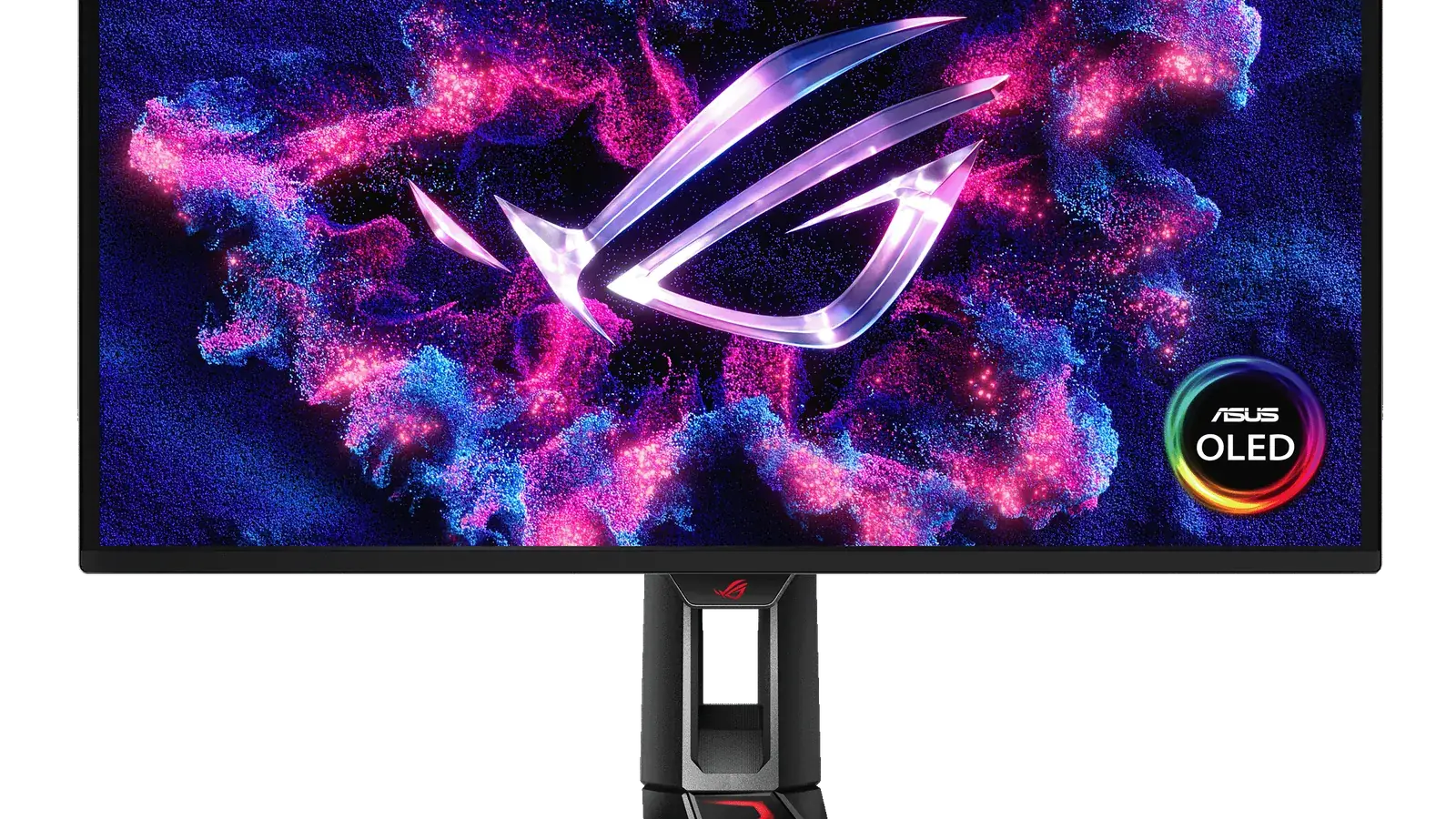
#1 ranked pick
ASUS ROG Swift OLED PG27UCDM
Best gaming monitor overall
Shortlist at a glance
Use these cards for buyer-fit context and research notes first. Optional Amazon listing buttons appear only on approved picks—always confirm model, bundle, and seller on the listing you open.
ASUS ROG Swift OLED PG27UCDM
Best gaming monitor overall
- Best for
- Best gaming monitor overall
- Why it is here
- 27-inch 4K QD-OLED, 240Hz, excellent motion, HDMI and DisplayPort 2.1
- Watch-out
- OLED burn-in risk for static desktop use
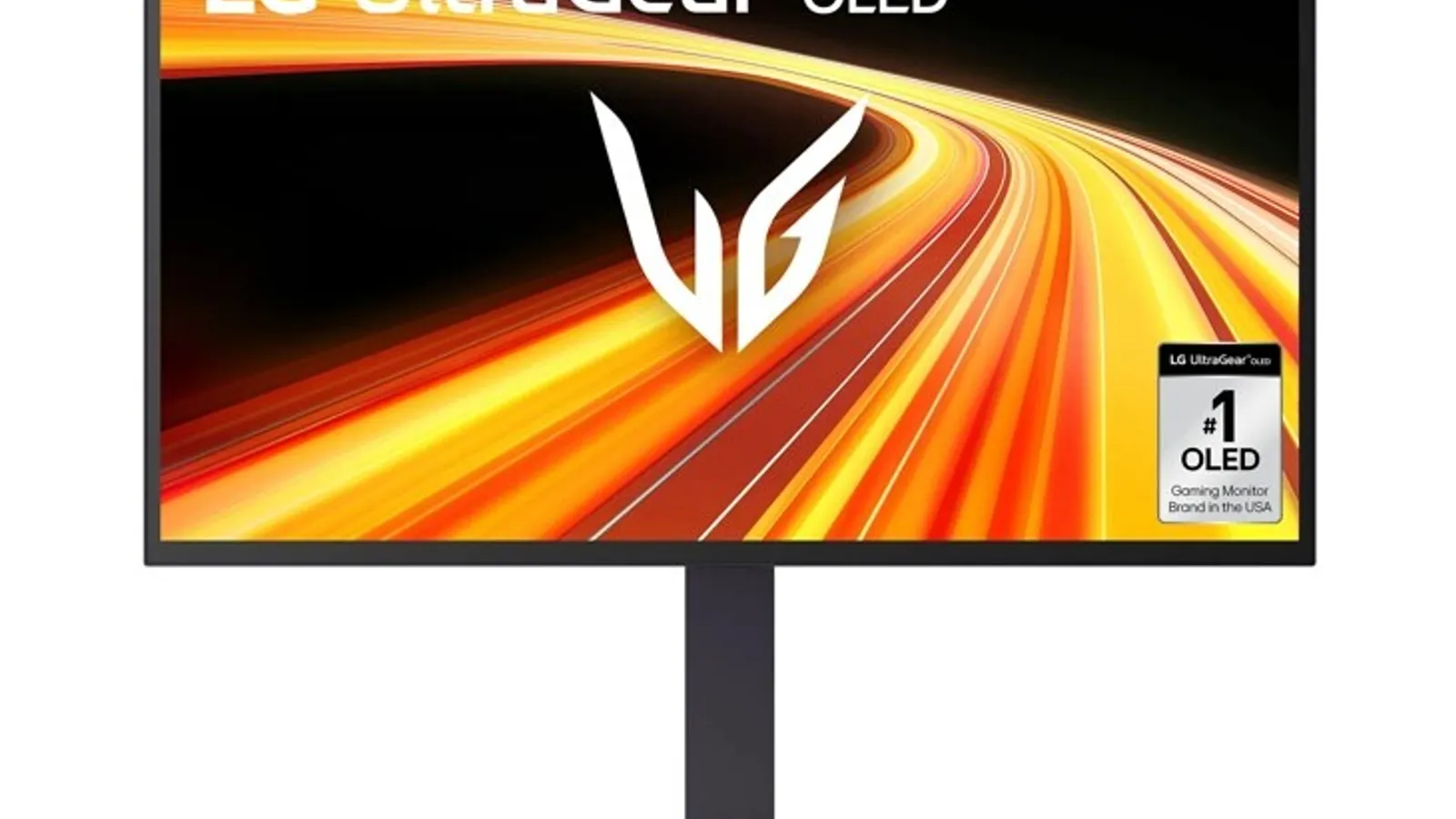
LG 27GX790B-B
Best esports OLED
- Best for
- Best esports OLED
- Why it is here
- Very high refresh 1440p WOLED option for competitive play
- Watch-out
- Less sharp than 4K for mixed productivity
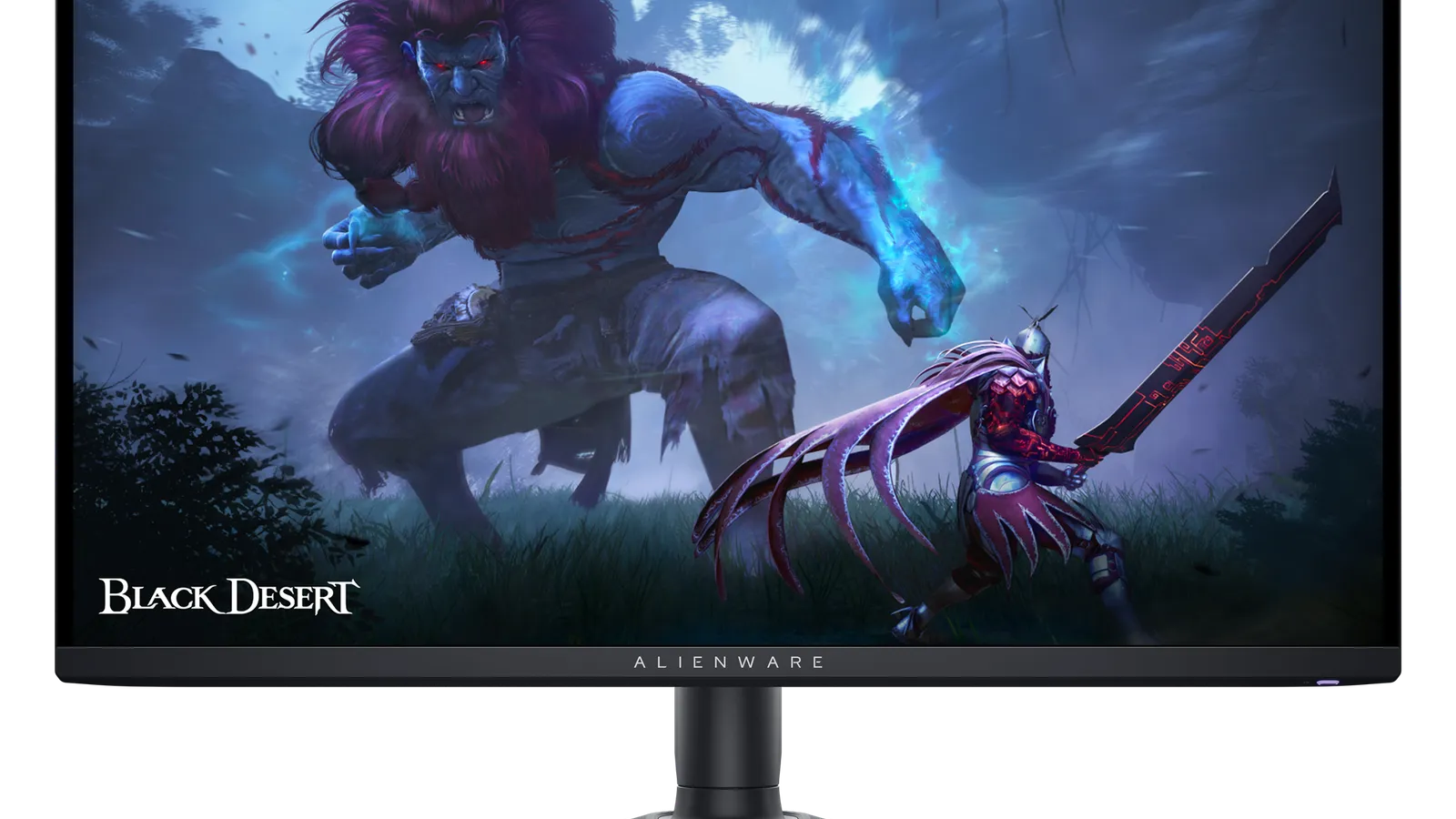
Dell Alienware AW2725DF
Best mid-range OLED gaming monitor
- Best for
- Best mid-range OLED gaming monitor
- Why it is here
- Strong 1440p OLED speed at lower-tier positioning than flagship OLEDs
- Watch-out
- Fewer premium bandwidth/features
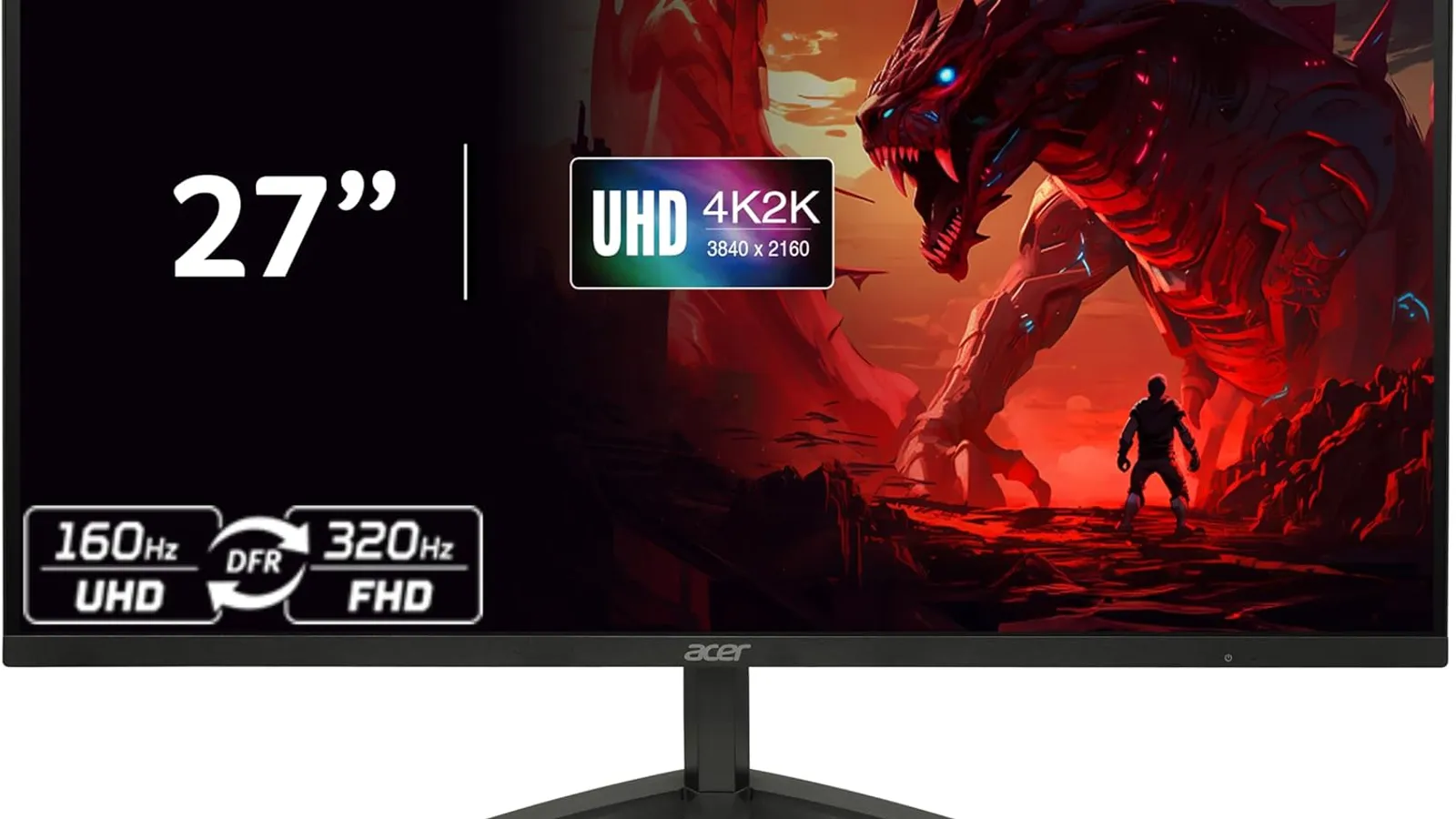
Acer Nitro XV275K P5biipruzx
Best lower mid-range 4K HDR gaming monitor
- Best for
- Best lower mid-range 4K HDR gaming monitor
- Why it is here
- Mini LED brightness and 4K detail without OLED-tier commercial positioning
- Watch-out
- LCD motion/contrast limitations vs OLED
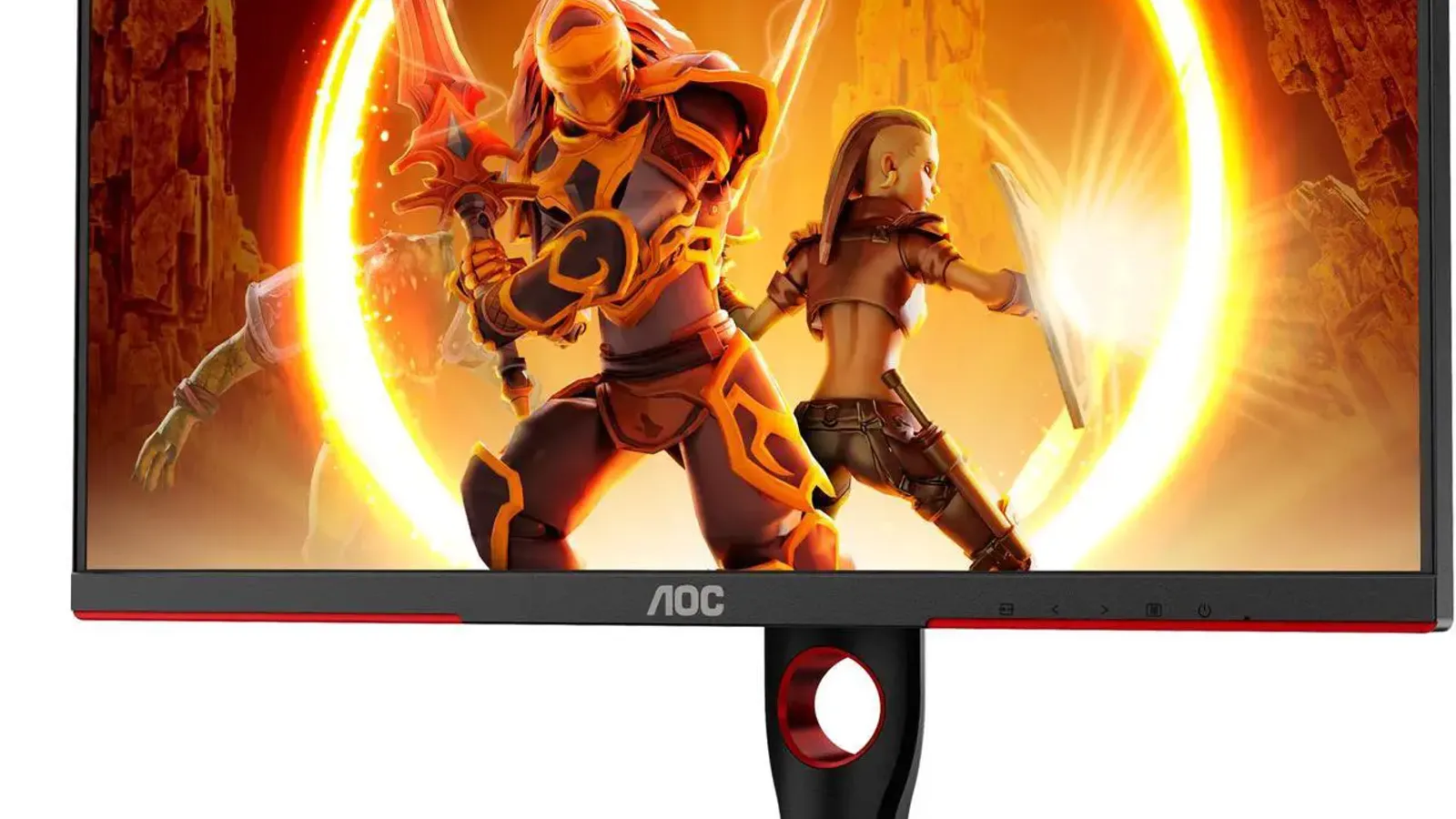
AOC Q27G3XMN
Best budget gaming monitor
- Best for
- Best budget gaming monitor
- Why it is here
- 27-inch 1440p Mini LED, 180Hz, rare HDR value under budget pricing
- Watch-out
- VA smearing in fast motion
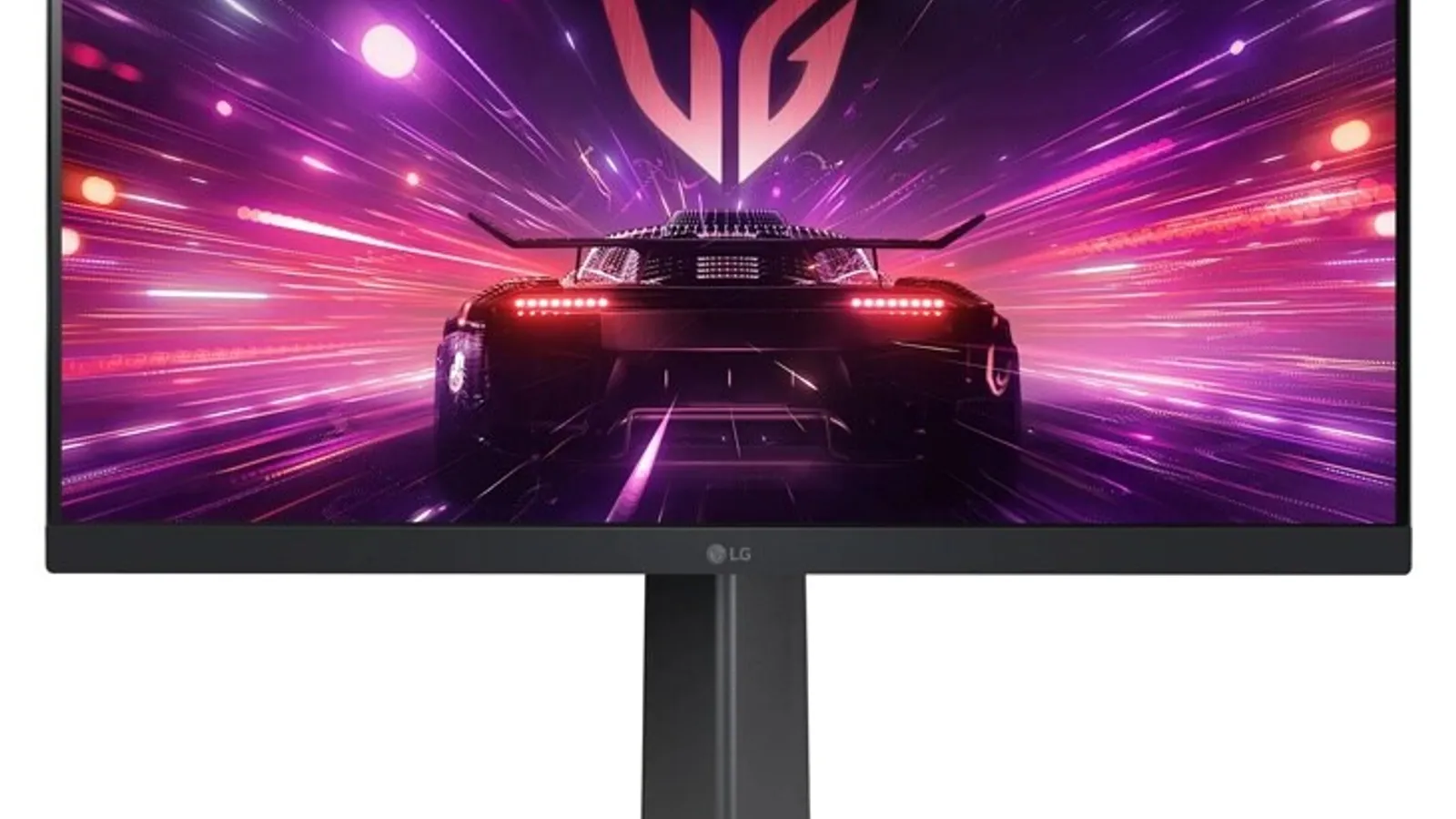
LG 24GS65F-B
Best cheap esports monitor
- Best for
- Best cheap esports monitor
- Why it is here
- Fast 1080p gaming at budget-friendly positioning
- Watch-out
- Not immersive and weak HDR
Related Monitors best lists
Use these monitors lists to narrow the shortlist by use case, setup, and buyer constraints.
Best 4K Monitors
The best 4K monitors for gaming, productivity, creators, MacBook users, and budget buyers, with clear trade-offs by panel type and port setup.
Best Budget Gaming Monitors
The best budget gaming monitors for budget buyers, including 1440p Mini LED, cheap esports, 32-inch, ultrawide, and console-friendly options.
Quick Verdict
Gaming monitors are where spec sheets get loud. Resolution, refresh rate, panel type, HDMI bandwidth, VRR, HDR, and response time all matter, but not equally for every player. If you only skim one section, use the table below to match the product to your room, budget, and main use case. The goal is not to crown the fanciest product; the goal is to prevent the wrong purchase.
Our recommendation logic is simple: start with the model that solves the biggest real-world problem, then check whether the value still makes sense today. A premium pick should earn its price through visible benefits. A budget pick should be cheap without creating buyer's remorse.
Comparison Table
| Pick | Best for | Why it is here | Watch-out |
|---|---|---|---|
| ASUS ROG Swift OLED PG27UCDM | Best gaming monitor overall | 27-inch 4K QD-OLED, 240Hz, excellent motion, HDMI and DisplayPort 2.1 | OLED burn-in risk for static desktop use |
| LG 27GX790B-B | Best esports OLED | Very high refresh 1440p WOLED option for competitive play | Less sharp than 4K for mixed productivity |
| Dell Alienware AW2725DF | Best mid-range OLED gaming monitor | Strong 1440p OLED speed at lower-tier positioning than flagship OLEDs | Fewer premium bandwidth/features |
| Acer Nitro XV275K P5biipruzx | Best lower mid-range 4K HDR gaming monitor | Mini LED brightness and 4K detail without OLED-tier commercial positioning | LCD motion/contrast limitations vs OLED |
| AOC Q27G3XMN | Best budget gaming monitor | 27-inch 1440p Mini LED, 180Hz, rare HDR value under budget pricing | VA smearing in fast motion |
| LG 24GS65F-B | Best cheap esports monitor | Fast 1080p gaming at budget-friendly positioning | Not immersive and weak HDR |
How We Chose
For this page, the editorial team should score each candidate against the following criteria:
- response time
- input lag
- refresh rate
- resolution
- VRR
- HDMI/DisplayPort bandwidth
- HDR performance
- text clarity
- burn-in risk
Do not rank products by spec-sheet glamour alone. Weight the criteria according to the reader's likely room and use case. For example, a buyer searching for best gaming monitor usually wants a clean shortlist, plain-English trade-offs, and a fast path to a shortlist or deeper review.
1. ASUS ROG Swift OLED PG27UCDM: Best gaming monitor overall
Expert take: This is the monitor halo product: 4K sharpness, OLED contrast, and high refresh in one display. The caution is not performance; it is whether the user has enough GPU power and can manage OLED care.
Why it makes the list: 27-inch 4K QD-OLED, 240Hz, excellent motion, HDMI and DisplayPort 2.1.
Who should buy it: Choose this if your priority is best gaming monitor overall and the current value keeps it in the right tier. This is the product card where the editor should explain the real-world setup, not just repeat specs.
Who should skip it: Skip it if this caveat matters in your setup: OLED burn-in risk for static desktop use. That one detail can matter more than the headline spec.
2. LG 27GX790B-B: Best esports OLED
Expert take: This is the esports-first OLED option. It should be recommended to high-refresh competitive players, not to office-heavy users who mostly want sharp text.
Why it makes the list: Very high refresh 1440p WOLED option for competitive play.
Who should buy it: Choose this if your priority is best esports OLED and the current value keeps it in the right tier. This is the product card where the editor should explain the real-world setup, not just repeat specs.
Who should skip it: Skip it if this caveat matters in your setup: Less sharp than 4K for mixed productivity. That one detail can matter more than the headline spec.
3. Dell Alienware AW2725DF: Best mid-range OLED gaming monitor
Expert take: This is the mid-range OLED gaming pressure point. It gives much of the OLED speed experience for less, but it should be compared carefully against newer 4K OLED value windows.
Why it makes the list: Strong 1440p OLED speed at lower-tier positioning than flagship OLEDs.
Who should buy it: Choose this if your priority is best mid-range OLED gaming monitor and the current value keeps it in the right tier. This is the product card where the editor should explain the real-world setup, not just repeat specs.
Who should skip it: Skip it if this caveat matters in your setup: Fewer premium bandwidth/features. That one detail can matter more than the headline spec.
4. Acer Nitro XV275K P5biipruzx: Best lower mid-range 4K HDR gaming monitor
Expert take: This is the Mini LED alternative for buyers who want 4K and HDR brightness without OLED risk. It is a good bridge between budget LCD and premium OLED.
Why it makes the list: Mini LED brightness and 4K detail without OLED-tier commercial positioning.
Who should buy it: Choose this if your priority is best lower mid-range 4k hdr gaming monitor and the current value keeps it in the right tier. This is the product card where the editor should explain the real-world setup, not just repeat specs.
Who should skip it: Skip it if this caveat matters in your setup: LCD motion/contrast limitations vs OLED. That one detail can matter more than the headline spec.
5. AOC Q27G3XMN: Best budget gaming monitor
Expert take: This is the budget monitor that makes the category interesting: 1440p, high refresh, and useful HDR from Mini LED. The VA-smearing caveat should stay visible.
Why it makes the list: 27-inch 1440p Mini LED, 180Hz, rare HDR value under budget pricing.
Who should buy it: Choose this if your priority is best budget gaming monitor and the current value keeps it in the right tier. This is the product card where the editor should explain the real-world setup, not just repeat specs.
Who should skip it: Skip it if this caveat matters in your setup: VA smearing in fast motion. That one detail can matter more than the headline spec.
6. LG 24GS65F-B: Best cheap esports monitor
Expert take: This is the cheap esports recommendation. It is fast and inhigher-commitment, but it is not the right pick for immersive single-player games or productivity.
Why it makes the list: Fast 1080p gaming at budget-friendly positioning.
Who should buy it: Choose this if your priority is best cheap esports monitor and the current value keeps it in the right tier. This is the product card where the editor should explain the real-world setup, not just repeat specs.
Who should skip it: Skip it if this caveat matters in your setup: Not immersive and weak HDR. That one detail can matter more than the headline spec.
What To Avoid
- Avoid buying only because a product is value-positioned. A bad fit at a value window is still a bad fit.
- Avoid overpaying for features you will not use. A gaming-first feature set is wasted on a movie-only setup, and creator-grade accuracy is wasted on casual streaming.
- Avoid single-retailer tunnel vision. Check at least two retailers because availability, return windows, bundle offers, and price-match policies can change the true value.
- Avoid publishing this page without a price freshness check. The top recommendation can change when one model gets a major value window.
Buying Advice By Scenario
If you want the safest pick
Choose the product labeled Best overall if the reader wants the fewest compromises and is comfortable paying more for a complete experience.
If you want the best value
Choose the value or mid-range pick if the premium model is meaningfully more higher-commitment but does not solve a problem the reader actually has.
If you are budget-limited
Choose the budget pick only after verifying current price, stock, warranty, and return policy. Budget products are where retailer support matters most.
If you are waiting for a sale
If you are not buying today, keep the shortlist and re-check it when verified deal paths are available.
FAQ
What is the best gaming monitor overall?
A 4K 240Hz OLED such as the ASUS PG27UCDM class is the current dream setup for players who want sharpness, motion clarity, and HDR in one screen.
Is 1440p still good for gaming?
Yes. 1440p remains the value sweet spot because it is easier to drive at high frame rates and looks sharp on 27-inch monitors.
Should I worry about OLED burn-in?
OLED burn-in is a real long-term risk with static elements. It is less worrying for varied gaming and media use, but office-heavy users should consider Mini LED or IPS LCD.
What monitor should I buy for PS5?
Look for HDMI 2.1 bandwidth, 4K/120Hz support, VRR, and strong HDR. If budget is tight, a good 1440p monitor can still be excellent for console play.