Product snapshot
Product snapshot
This page summarizes where LG B5 OLED fits in our buying guides and what to double-check on the retailer listing you are considering.
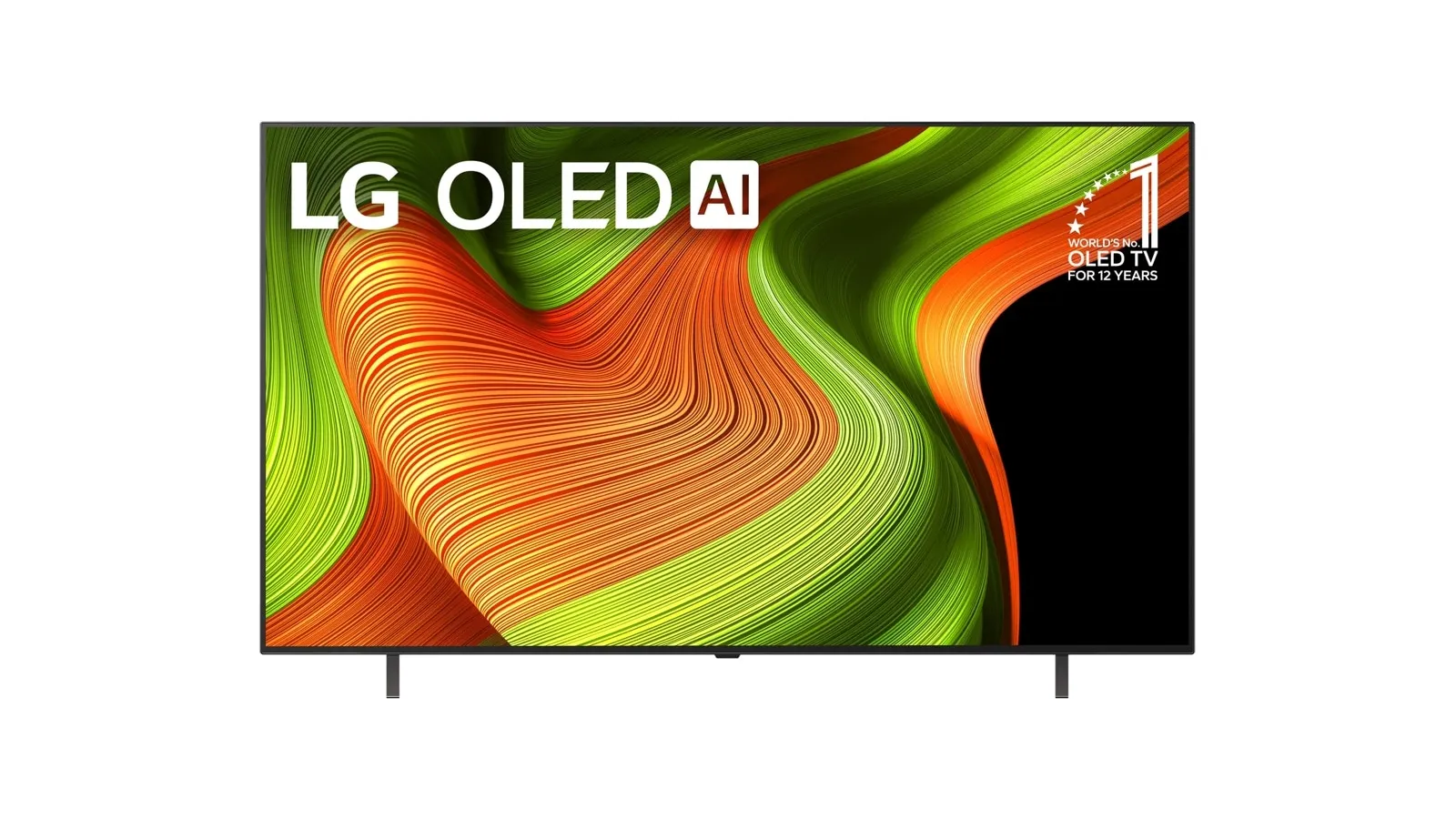
- Brand
- LG
- Category
- TVs
- Where you’ll see it
- 2 buying guides
- Main use
- Best budget OLED
Best budget OLED
OLED contrast at a lower entry price.
Skip it if this caveat matters in your setup: Brightness and processing trail the C/G series. That one detail can matter more than the headline spec.
Buying options
Buying options
This page does not show live prices. Use the retailer listing to verify the exact model, size, color, bundle, and return policy before buying.
Quick read
Quick verdict
- Consider: You want OLED contrast and wide viewing angles at a lower entry tier than C5 or premium Samsung picks—our budget OLED and budget OLED gaming lanes cite this model when listings look right.
- Pause: You need maximum brightness, flagship processing, or you already know the C5 balanced lane is worth the step-up spend.
- How we phrase performance: We describe fit using guide notes and listing checklists—we do not claim independent lab measurements performed by Better Buy Lab.
At a glance
Product snapshot
- Category: Living-room TV—budget-conscious OLED in our shortlists.
- Panel type: LG OLED at a lower entry tier—confirm size and regional variant on the seller listing.
- Appears on Better Buy Lab:
- Best OLED TVs — Best budget OLED | Best budget OLED gaming TV
- Best Gaming TVs for PS5 and Xbox — Best budget OLED | Best budget OLED gaming TV
- tv/best-tvs — Listed on this guide.
- Buyer role: Budget OLED and budget OLED gaming TV when you want OLED character without paying for the highest-end model in the lineup.
Key buying checks
How to choose a TV that fits your room
Start with how you watch (movies, sports, gaming), room lighting, seating, and placement. Those choices matter as much as peak brightness on the spec sheet. Below is how we think about LG B5 OLED for real rooms and daily use.
Choose picture quality for your content and seating
Contrast, tone mapping, and processing should match your typical content and viewing distance, not store demo modes.
Households that care about shadow detail and highlight behavior in HDR and SDR.
Retail demo modes often oversharpen or push brightness; check cinema or filmmaker modes for home use.
Panel type, dimming approach, HDR formats you use, and viewing angle from your seats.
Brightness and finish for daytime viewing
Output level and screen finish affect whether sports and daytime content stay clear when light hits the glass.
Living rooms with windows, skylights, or lamps behind the seating.
Glossy screens can mirror windows; placement relative to bright light sources matters.
Screen finish, placement versus windows, typical daytime use, and whether you use bias lighting.
Console and PC connectivity and game modes
Variable refresh, low latency, and 4K120 require the right HDMI layout, including soundbar or receiver passthrough.
Console or PC gaming where input lag and sync stability matter.
Not every size in a series has identical gaming behavior; some modes change brightness to protect the panel.
HDMI count and capability, VRR range, eARC path, game mode behavior, and audio routing.
Motion handling for sports and games
Motion interpolation can smooth sports but annoy film viewers; game modes may disable processing you like for movies.
Mixed use between sports, action content, and gaming on one TV.
Strong interpolation causes soap-opera effect; some modes add latency for gaming.
Motion settings, separate game mode, and who controls the remote for films versus sports.
Smart TV software and remote
App availability, update support, and remote layout affect whether you need extra streaming devices.
Households that want one remote and minimal extra hardware.
Regional app gaps and account requirements can block a must-have service.
Required apps, update history, remote layout, casting, and voice-assistant requirements.
Measure furniture, wall, and sound placement
Width, stand depth, and port location must fit the furniture and sound equipment you plan to use.
Wall mounts, thin furniture, long soundbars, or tight viewing distances.
Very large screens in small rooms increase reflection and neck strain.
Seating distance, furniture width, port access, soundbar clearance, and delivery path.
Confirm the exact model before you buy
Model names, regions, and bundles change what is in the box. Check the manufacturer page for your country, the seller listing, warranty text, and which accessories are included.
Buyers who shop online and need the shipment to match the configuration they selected.
Small naming differences can mean different ports, stands, or power adapters between regions.
SKU, country variant, return window, warranty, and that photos match the product you add to the cart.
When headline specifications miss real-world limits
A strong specification can still disappoint if glare, noise, edge cleaning, or return terms do not fit how you use the product.
Buyers who want to compare trade-offs before deciding.
Marketing often assumes ideal conditions; your room, hearing, or layout may differ.
Return policy, upkeep (filters, bags, mop pads), physical fit in the space, and whether the downsides are acceptable.
Your situation
How to read this TV research page
This page summarizes fit and caveats from our notes—not a final scored review. Use it alongside fresh listings before you buy.
Best budget OLED
A gaming TV still needs to fit the room: seating distance, glare, screen size, sound setup, and whether the same screen is used for movies or sports.
Skip it if this caveat matters in your setup: Brightness and processing trail the C/G series. That one detail can matter more than the headline spec.
Best Gaming TVs for PS5 and Xbox
- Console or PC source
- Refresh-rate and VRR needs
- HDMI port count and soundbar routing
- Input mode expectations
- Room brightness and screen-size fit
- Buying around a single gaming spec while ignoring port layout
- Forgetting that the TV may also need to handle movies, sports, or family viewing
- Assuming every size of a model has the same practical setup profile
Before you buy: quick listing checks
Game modes, HDMI port layout, and VRR behavior can differ by size and region. Verify the live listing for your screen size before you lock in wall mounts, receiver routing, or soundbar placement.
Related TV decision paths
Best TVs
Start with the broad TV shortlist before narrowing by panel, size, or use case.
Best OLED TVs
Use the OLED route when the panel direction is already narrowed.
Best Gaming TVs
Use the gaming route when console or PC setup is the main constraint.
Samsung S95F vs S90F
Side-by-side buyer-fit contrasts when you split hairs between sibling Samsung OLED models.
Samsung S95F OLED note
Checklist prose for flagship QD‑OLED—no storefront tools on the note.
Samsung S90F OLED note
Checklist prose for Samsung’s step-down QD‑OLED lane.
Best 65-inch TVs
Use the size route when placement and screen class are already decided.
Value-oriented TV shortlist
Use this list when fit and careful checking matter more than premium extras.
Where it fits
These lanes describe who usually arrives from our OLED and gaming TV guides—not a verdict without listing checks.
- Budget-conscious OLED buyer: You want OLED contrast at a lower entry price than balanced C5 or premium Samsung picks.
- Buyer who wants OLED but not the highest tier: You accept that brightness and processing may trail C-series or QD‑OLED alternatives in exchange for simpler spend.
- Gaming-friendly budget OLED: You appear on our budget OLED gaming TV lane when motion and HDMI basics matter more than halo polish.
Highlights to confirm
Carry these highlights to the storefront listing—treat them as reminders, not benchmark printouts.
- OLED contrast at a lower entry price.
- OLED motion and wide viewing angle at a lower OLED price.
Trade-offs to double-check
- Skip it if this caveat matters in your setup: Brightness and processing trail the C/G series. That one detail can matter more than the headline spec.
- Skip it if this caveat matters in your setup: Not as bright as premium OLEDs. That one detail can matter more than the headline spec.
What to check before choosing
Walk down this list with your room photos and HDMI gear nearby.
- Exact model year and marketing name: match the carton and seller title to the generation you intended (G6, QM8K, etc.).
- Screen size: confirm seating distance, furniture width, and whether delivery paths fit stairways and doorways.
- Panel variant when relevant: some sizes or regions use different panels or feature sets—read the listing, not only the headline pick label.
- Retailer listing title: watch for open-box, renewed, bundle, or third-party seller wording that changes what ships.
- Warranty and return policy: read retailer and manufacturer paperwork before you rely on headline promises.
- Region-specific differences: confirm apps, tuners, and power specs for your country before you assume US-market copy applies.
- Gaming feature needs: count HDMI 2.1 ports, console or PC placement, VRR, and game-mode behavior on the exact listing.
- Mount and stand clearance: validate VESA pattern, stand depth, and cable slack before you finalize furniture layout.
- Smart TV ecosystem: confirm streaming apps, voice assistant, and software update expectations for your household.
- Room brightness: note windows, lamps, and where daytime glare hits the screen when choosing OLED versus Mini LED.
Fit filter
Choose if / Skip if
Pair these prompts with fresh listings—they stay lightweight on purpose.
Choose if
- You want OLED at the lowest sensible tier in our LG notes without leaving the OLED category entirely.
- You mainly watch movies and play games in moderate lighting and can accept brightness limits versus premium OLEDs.
- You are comparing B5 against C5 on price—and will confirm the exact LG model on the listing before checkout.
Skip if
- You need a bright-room TV with maximum sustained highlights—Mini LED or premium OLED paths may fit better.
- You want Dolby-forward flagship polish without compromise—the C5 note is the next read.
- You refuse any OLED ownership habits for static content—our guides outline calm expectations; if uncomfortable, OLED may not suit you.
Keep exploring
Alternatives & next reads
Stay inside Better Buy Lab while you compare OLED picks, panel classes, and shortlists.
- Best OLED TVs — primary shortlist where this model appears today.
- Best TVs guide for the wider OLED versus Mini LED ladder.
- Best gaming TVs when console or PC ergonomics dictate the lane.
- OLED versus Mini LED explainer before you assume HDR behavior.
- Samsung S95F OLED product note when premium QD‑OLED polish is still in play.
- Samsung S90F OLED product note for Samsung’s step-down QD‑OLED lane.
- Samsung S95F versus S90F comparison when Samsung siblings are still on your shortlist.
- LG G6 OLED product note for premium Dolby Vision OLED context.
- LG C5 OLED product note for the balanced LG OLED lane.
- LG B5 OLED product note for budget-conscious OLED.
- Sony BRAVIA 8 OLED product note for processing-first film use.
- TVs hub for every TV guide in this aisle.
FAQ
FAQ
Is this OLED good for movies?
Many buyers choose B5-class OLED for contrast and viewing angle at a lower tier. Confirm HDR format support and picture presets on the listing for your size and region.
Is this OLED good for gaming?
Our gaming TV guide cites this model in the budget OLED gaming lane. Confirm HDMI layout, VRR, and game-mode behavior on the seller page before you buy.
What should I compare before choosing?
Compare against LG C5 for the balanced step-up, Sony BRAVIA 8 for film processing, and Samsung notes if QD‑OLED is still in play—then return to Best OLED TVs and Best gaming TVs.
Should I step up or down in the OLED lineup?
Step up to C5 when balanced polish and Dolby Vision matter more than entry price. Step down only if you are leaving OLED entirely for Mini LED or LCD—use our OLED versus Mini LED explainer first.
Does Better Buy Lab show live prices on this page?
When this model is eligible, the Buying options section includes a disclosed retailer link. We still do not show live prices or star-style ratings on this page.
Editorial transparency
Better Buy Lab uses this page as a product context note linked from our TV buying guides—especially the OLED shortlist on Best OLED TVs. It supports shortlist reading; it is not a scored review or a storefront.
We describe fit using guide-level notes and shopper checklists. We do not claim independent lab measurements performed by Better Buy Lab. Notes refresh when listings evolve. Disclosed retailer links on eligible product pages appear in the Buying options section. This page does not show live prices or star-style ratings. Disclosed retailer links appear in the Buying options section above when this model is eligible.
In our guides
Buying guides referencing this SKU today.
Best Gaming TVs for PS5 and Xbox
Best budget OLED | Best budget OLED gaming TV
Best OLED TVs
Best budget OLED | Best budget OLED gaming TV